
AI Interior Design Workflow for Designers
A practical AI interior design workflow for moving from a site photo to clearer concept directions without confusing imagery with technical design.

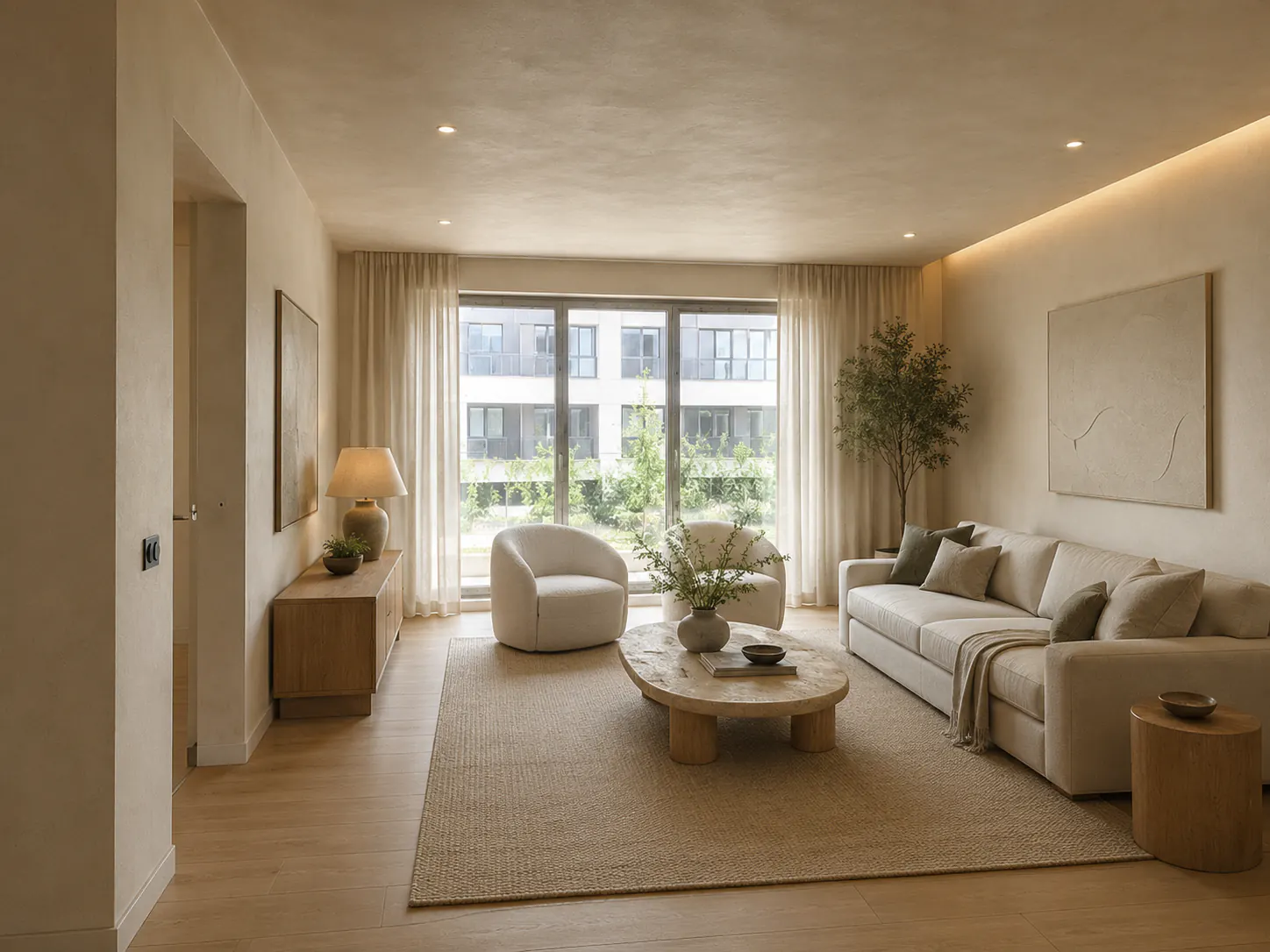
AI rendering is most useful to an interior designer before the project becomes expensive to change. It can turn a room photo into several visual directions while the team is still deciding what the room should feel like. It cannot confirm that a wall can move, a sofa will fit, or a stone is available in the required slab size.
That distinction gives DwellShift a clear place in practice. Use it between briefing and detailed design, when a quick image can make a question easier to answer. Move the selected idea back into drawings, samples, schedules, and professional review before anyone treats it as a promise.
The short version
| Project stage | Useful DwellShift task | Keep in your main design tools |
|---|---|---|
| Briefing | Reveal what a client means by words such as warm, minimal, or dramatic | Scope, budget, survey information, client requirements |
| Concept design | Compare style, palette, material mood, and furniture character | Measured plan, circulation, accessibility, code checks |
| Design development | Test a tightly defined visual question | CAD or BIM model, specifications, joinery details |
| Client review | Show a small, labeled set of alternatives | Decisions, approvals, revision record |
| Technical design | Use the chosen image as visual intent only | Dimensions, services, construction information, procurement |
This follows a broader professional pattern: generate possibilities, evaluate them against stated goals, select a direction, then integrate it into the actual design. Autodesk describes a similar generate, analyze, rank, explore, and integrate sequence in its generative design workflow. The value is not the number of images. It is the quality of the decision they help you make.
1. Start with a design question, not a style button
Before opening the AI Interior Design workspace, write down the decision the image needs to support.
Weak question: What could this living room look like?
Useful question: Can this north-facing living room carry dark timber and olive upholstery without feeling visually heavy?
The useful version names the room condition, the proposed move, and the risk. It also makes it easier to judge the output. A beautiful image that does not address the question can be rejected quickly.
For an early project, good questions include:
- Should the room feel continuous or divided into distinct zones?
- Does the client respond better to quiet mineral finishes or stronger timber grain?
- Can the existing fireplace remain the visual center after the furniture changes?
- Is the preferred style coming from color, furniture shape, light, or surface texture?
Keep structural and regulatory questions out of this exercise. They need evidence, measurements, and qualified review, not visual plausibility.
2. Prepare a source image that carries the room's constraints
Use a clear, well-lit photograph that shows the main openings, floor, ceiling, and fixed elements. A wide view is usually more useful than a close crop because the model has more spatial context.
Remove temporary clutter if it hides the architecture, but do not edit away the awkward column, low window, radiator, or bulkhead. Those are exactly the conditions the design must answer. If one photo cannot show the whole room, choose the view that matches the decision under discussion and retain the survey separately.
DwellShift accepts JPEG, PNG, and WebP images up to 10 MB. A source photo anchors the generation, but it does not lock every proportion or opening. The result still needs comparison with the original.
If this is the team's first photo-led study, the room-photo workflow covers capture, privacy, and drift checks in detail.
3. Write a constraint-led prompt
A professional prompt should identify what must stay before describing what may change. A simple structure is:
Keep [fixed elements]. Change [design variables]. Use [material and color direction]. The room should support [activity and atmosphere]. Avoid [unwanted features].
For example:
Keep the fireplace, window positions, pale oak floor, and current camera view. Replace the seating with a compact curved sofa and two light lounge chairs. Explore olive wool, smoked oak, warm plaster, and aged bronze. The room should feel calm in low afternoon light. Avoid high-gloss stone and oversized pendant lights.
Named styles can help you begin, but materials, forms, and constraints make the direction more project-specific. They also give you useful language for the eventual mood board and specification.
4. Generate a small family of deliberate alternatives
Do not ask for twelve unrelated ideas. Start with two to four variations that answer the same question. Keep the viewpoint and major constraints consistent, then change one design variable at a time.
One batch might compare palette. The next might compare furniture character. A third might test whether the same direction survives a different lighting condition. When every image changes layout, material, style, and light at once, the client can tell you which picture they like but not why.
This is where AI rendering earns its place. It gives the team a shared visual comparison early in the discussion. Visualization vendor Chaos also places fast AI imagery mainly in concept exploration, while geometry-aware and production rendering tools carry the work toward more controlled final output in its guide to AI rendering for architecture.
5. Critique the result in two passes
First review the design direction. Ignore polish and ask:
- Does the image answer the original question?
- Which material relationships are worth keeping?
- Does the visual hierarchy suit the brief?
- Is there a move here that should be tested in plan or elevation?
Then review spatial fidelity:
- Did a door, window, column, radiator, or ceiling line move?
- Did the image change the room's apparent width or height?
- Could the furniture footprints and circulation be plausible?
- Are lighting effects tied to sources that could exist?
- Are joinery, hardware, and material transitions physically credible?
Mark each result as keep, revise, or reject. Save one sentence explaining the decision. That sentence is more valuable to the next stage than the image filename.
6. Convert the chosen image into design information
An approved concept image is not the end of concept design. It is raw material for the project record.
Extract the parts that can become controlled information:
- a palette with physical samples to obtain
- furniture types and approximate footprints to test
- lighting qualities to translate into fixture and control requirements
- joinery ideas to draw in elevation and section
- sight lines and focal points to verify in the measured model
- unresolved risks that need consultant or supplier input
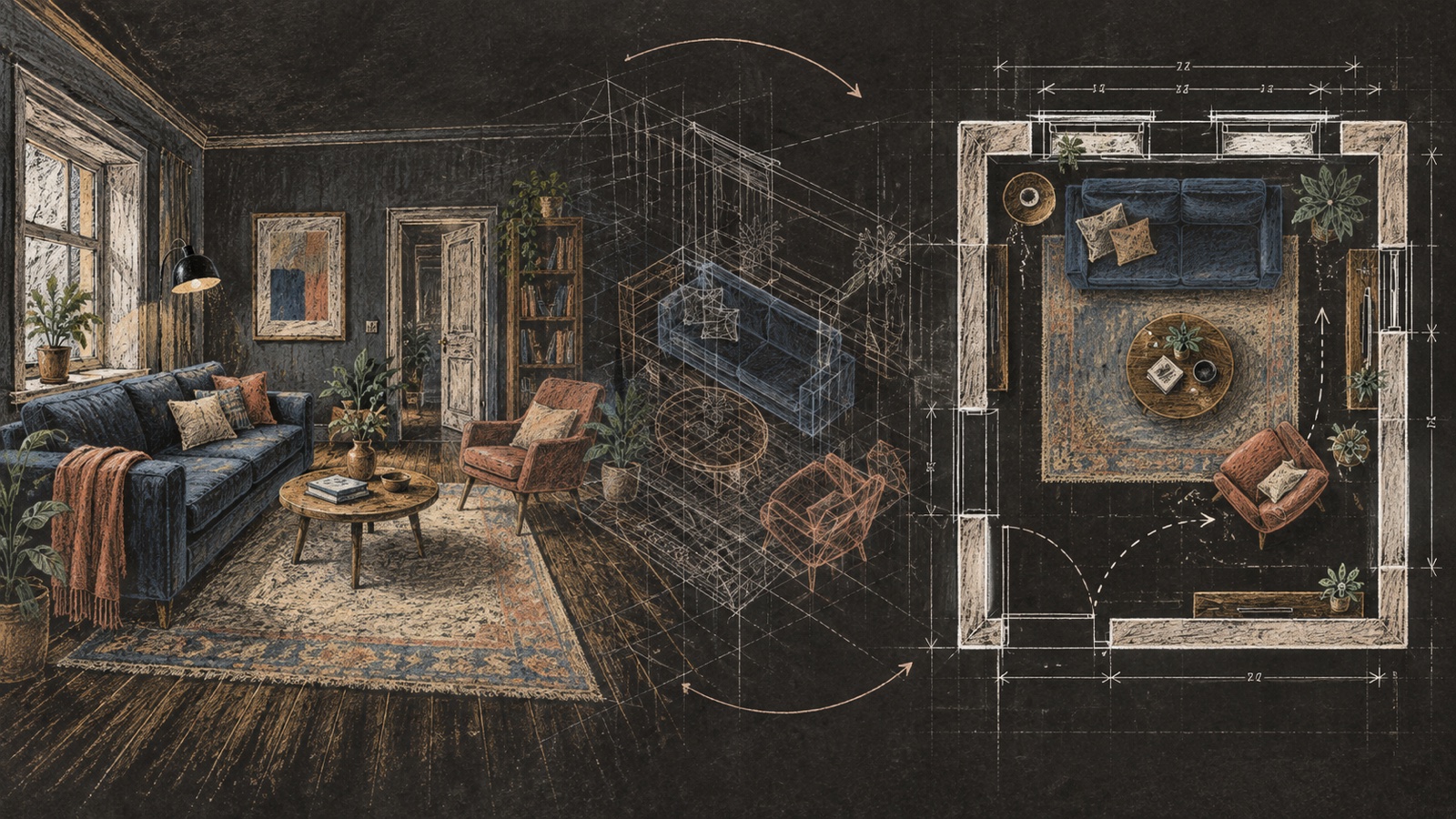
Use the Floor Plan Maker only for early room relationships and discussion. Rebuild or verify the selected direction in the firm's measured CAD or BIM workflow. Product dimensions, construction tolerances, access, services, cost, and local requirements belong there.
7. Keep professional responsibility visible
The American Institute of Architects' AI Firm Toolkit makes two principles particularly relevant to visual generation: professional responsibility cannot be delegated, and client confidentiality still applies when project information is entered into an AI service.
For a studio workflow, that means:
- check client agreements and office policy before uploading project images
- avoid exposing personal information or unrelated confidential material
- label AI-generated concepts in internal and client-facing records
- record who reviewed and approved the direction
- never issue the image as construction or permit information
DwellShift stores uploads and completed results privately with the user's account rather than adding them to the public Ideas gallery. A firm should still decide whether the service fits its contract, jurisdiction, and information-handling policy before using it on a client project.
Studios formalizing these choices can use the AI policy starter to assign tool, review, disclosure, and recordkeeping rules.
A repeatable concept exercise
For a focused internal review, try this sequence:
- Spend five minutes defining one visual question and the fixed constraints.
- Prepare one source photo and one concise prompt.
- Generate a small set of related options.
- Review direction first, then spatial fidelity.
- Select one image and write what it contributes to the project.
- List what must be tested in plan, sample, detail, cost, or code review.
The output is not simply a render. It is a visual decision with a documented handoff.
Continue into the specialist workflows
Once the broad process is in place, use the decision-specific guides for client presentations, material and color studies, kitchen concepts before CAD, reference-led style transfer, and controlled client revisions. Each one keeps the same boundary between visual exploration and verified project information.
Common questions from design teams
Should DwellShift replace SketchUp, Revit, or a rendering package?
No. It is best used for quick image-led exploration and communication. Measured geometry, coordinated documentation, specifications, and controlled final visualization remain in the professional tools chosen by the practice.
Can a designer show the result to a client?
Yes, if it is clearly labeled as an AI-generated concept and presented with the right caveats. Explain what the image is intended to decide and what has not yet been verified.
What makes an AI concept useful rather than merely attractive?
It answers a defined question, respects enough of the existing room to stay relevant, and contains specific moves that can be transferred into controlled design information.
When should a team stop generating?
Stop when another image is unlikely to change the decision. Move into drawings, samples, estimates, and technical checks while the selected intent is still clear.
AI can make the front of the design process more visible. The designer still gives that visibility meaning, tests it against reality, and carries the right parts forward.
From reading to reimagining
Explore these ideas in your own space
Find a tool for the next step in your project.