
AI Kitchen Renderings Before CAD
Use AI kitchen rendering to narrow cabinet, material, and atmosphere decisions early, then move the selected direction into measured design development.
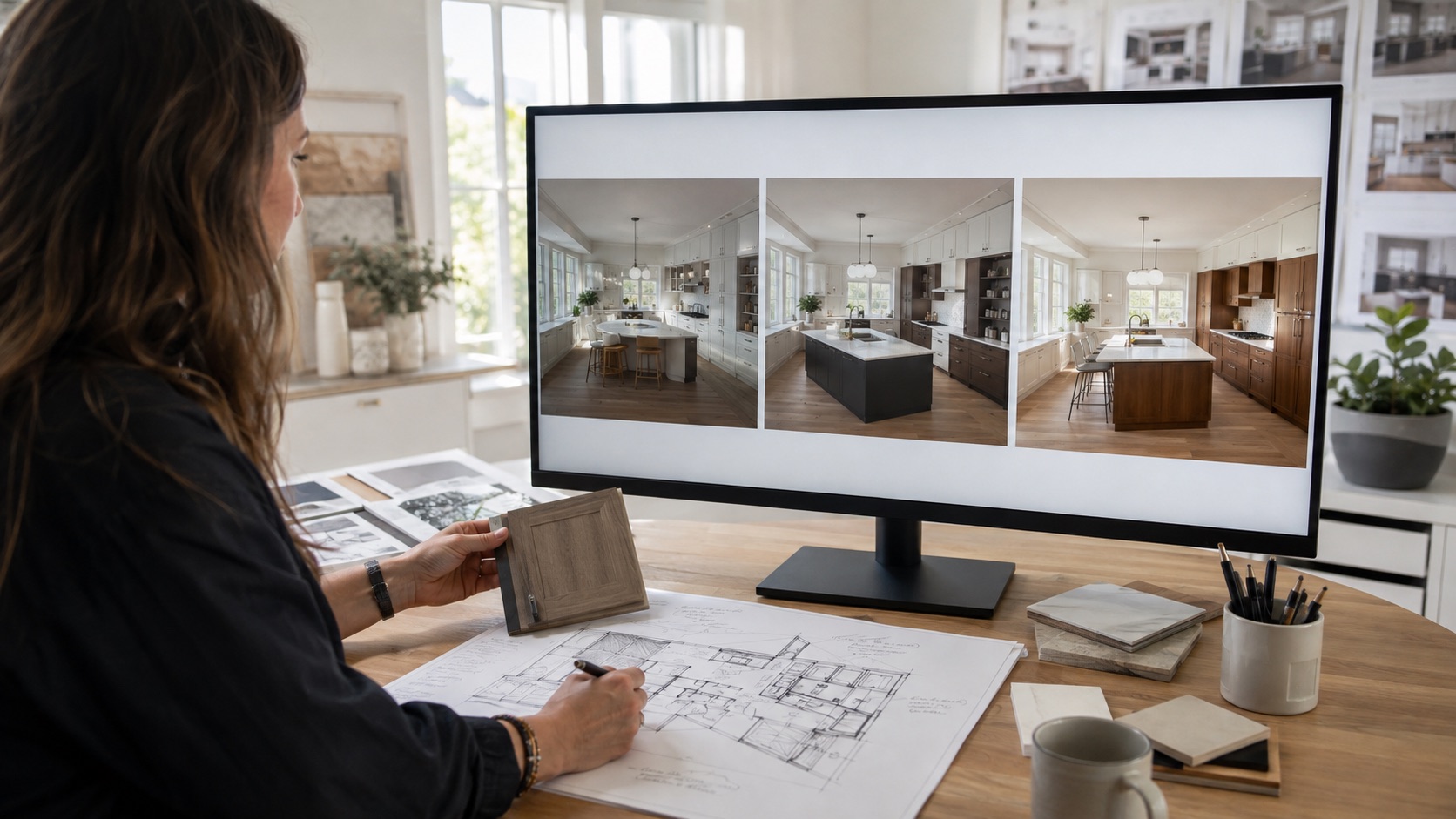
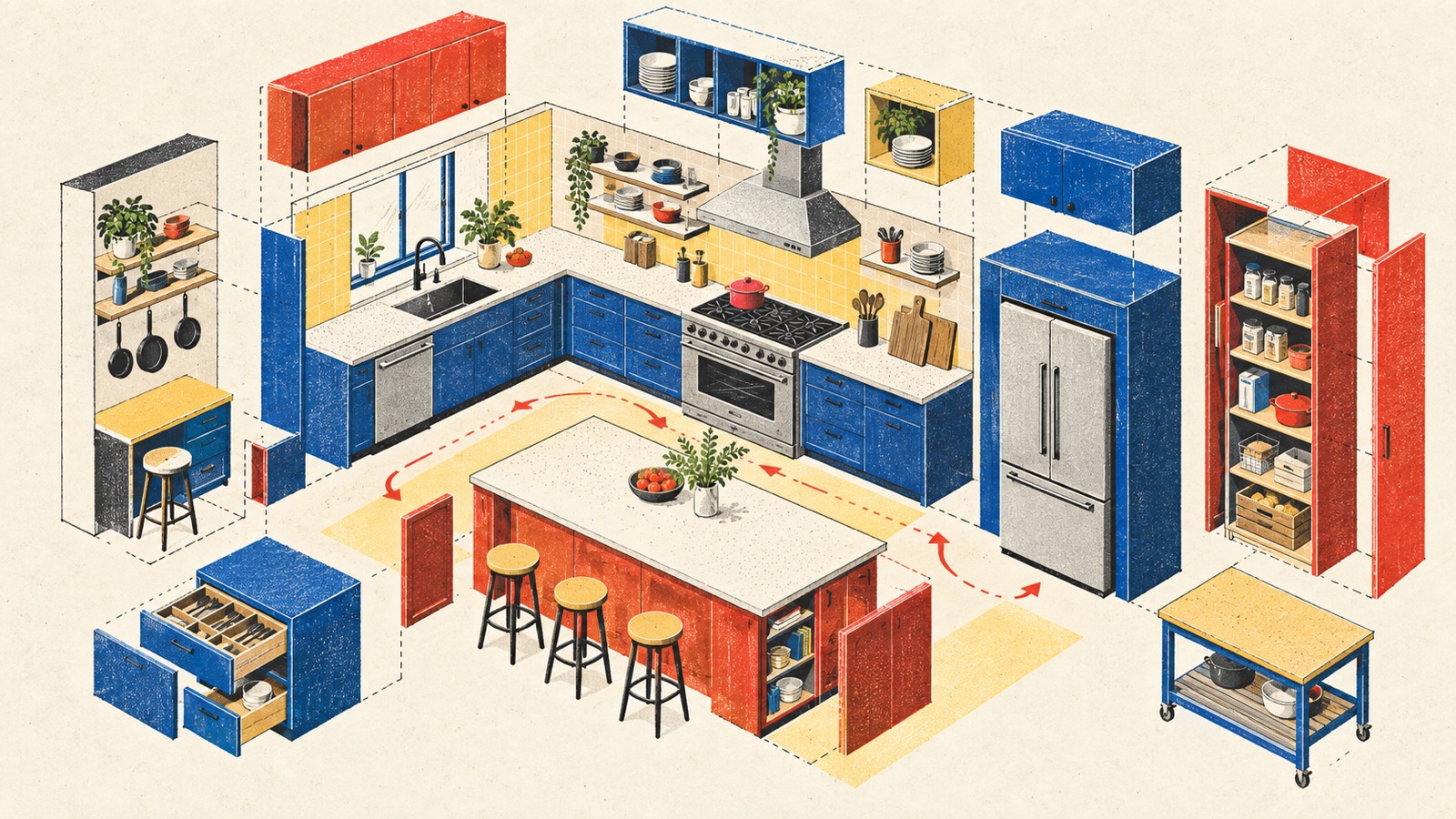
Kitchen design becomes technical quickly. Appliance clearances, services, worktop spans, extraction, storage, and door movement all compete for space. It is tempting to build the full CAD model before showing anything visual, simply because precision feels safer.
There is another useful sequence. Use an AI kitchen rendering to narrow the visual direction first, while clearly separating what the image can explore from what the measured design must prove. Then spend modeling time on a concept that already has support. The full AI interior design workflow places this exercise between briefing and measured design development.
What to decide before CAD
AI imagery can help with questions that are visible but not yet dimensional:
- Does the kitchen want to feel like one quiet volume or a collection of furniture pieces?
- Should tall cabinetry recede into the wall or become the dominant material block?
- Is the island a contrast or a continuation of the perimeter cabinets?
- Can a darker palette work with the room's daylight?
- Should the scheme feel crafted, minimal, domestic, or more architectural?
- Which surfaces need visual warmth, and which should remain calm?
It is less reliable for questions that depend on exact geometry or technical coordination. A generated drawer may not clear a handle. A convincing extractor may have no route. An island may look generous because the image quietly widened the room.
Begin with a measured reality check
Before opening the AI Kitchen Design workspace, make a quick measured diagram. Record wall lengths, ceiling height, windows, doors, radiators, soil pipes, service points, and anything likely to constrain cabinetry.
If the room's layout family is still unsettled, work through the kitchen layout tradeoffs before generating finish-heavy views.
You do not need a complete model for this first exercise. You do need enough information to recognize when a generated idea cheats.
Take a clear source photograph that includes the main cabinet run, openings, work surfaces, and surrounding space. If the kitchen is stripped out, show the full shell. If it is occupied, clear only the items that obscure fixed conditions.
Choose one concept problem per batch
Kitchen prompts become unstable when they combine a new layout, new style, new light, new cabinetry, and new appliances in one request. Split the exploration.
Batch 1: Cabinet character
Keep the room and broad layout. Compare slab fronts, framed fronts, and a furniture-like mix of closed and open elements. Focus on proportion, rhythm, and visual weight.
Batch 2: Material hierarchy
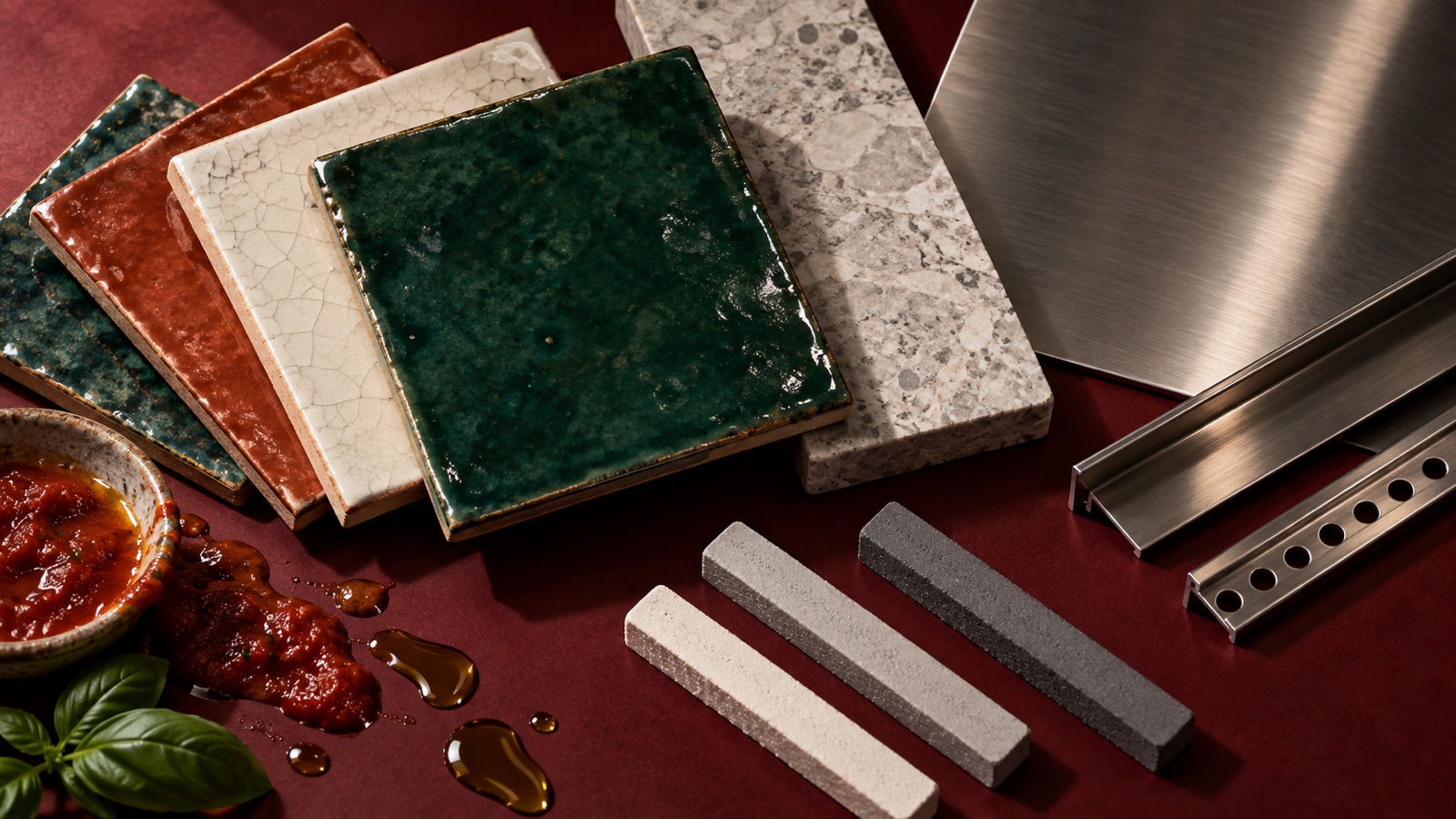
Keep the preferred cabinet character. Compare where timber, painted finish, and stone sit. Decide which material should lead and which should support.
The material visualization workflow is useful when cabinet form is fixed but finish distribution is not.
Batch 3: Island or peninsula mood
If the measured room could plausibly support either, compare their visual effect. Treat the image as a cue to test circulation and seating in plan, not as proof that both fit.
Batch 4: Light and atmosphere
Hold the concept steady and compare daylight with a credible evening condition. Look for where task light, ambient light, and decorative light might need separate roles.
Write the prompt like a design note
Put constraints first, followed by the intended changes:
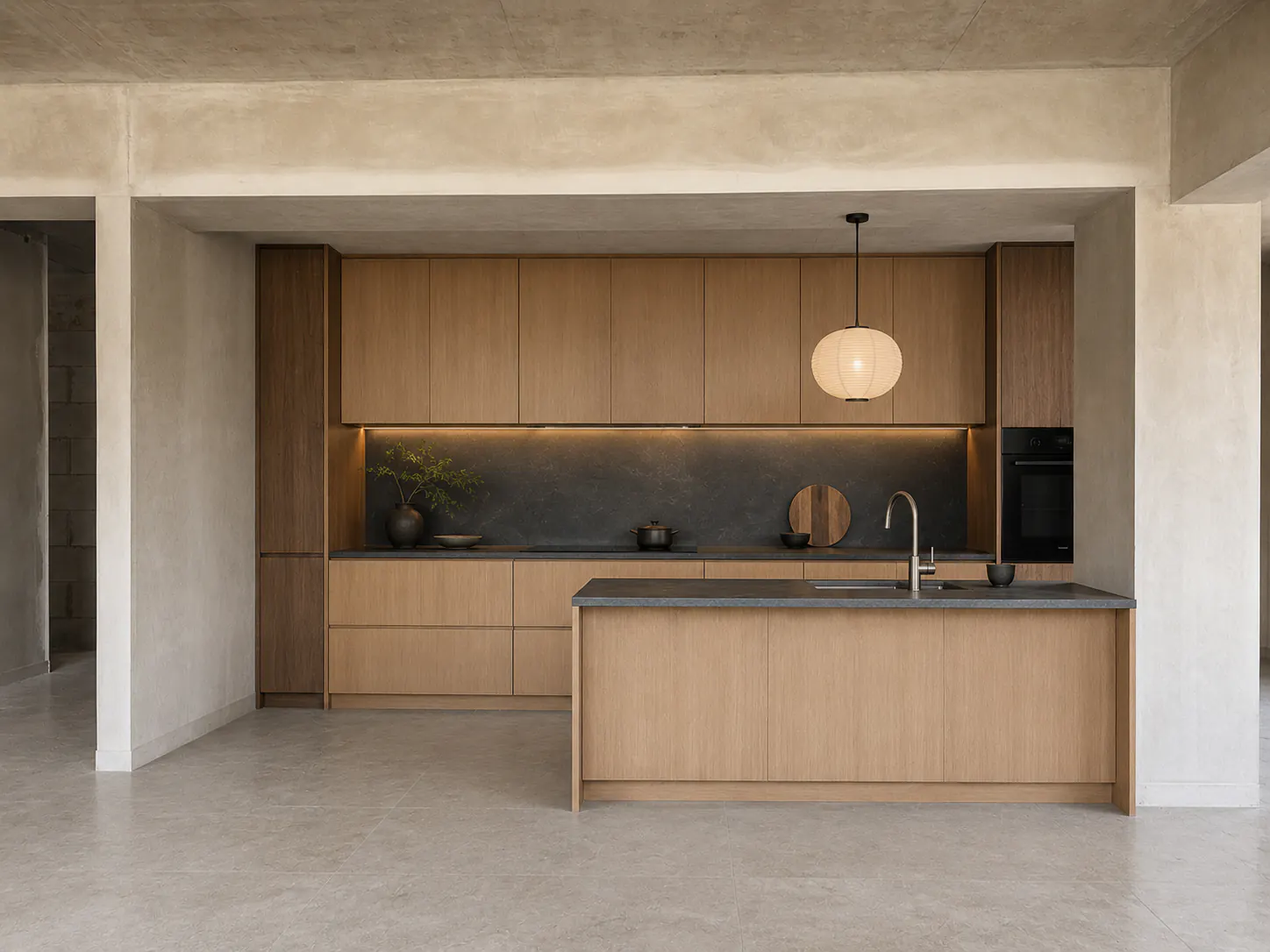
Keep the window, door, ceiling height, main cabinet locations, and camera view. Explore a warm contemporary kitchen with full-height walnut cabinetry on the back wall, quiet off-white base units, honed pale stone worktops, and a compact island that reads as a furniture piece. Keep hardware minimal but visible. Use soft natural daylight. Avoid open shelves beside the hob and avoid glossy finishes.
If the existing layout is under review, say which elements may move and which cannot. The model may still alter both, so compare every result with the photograph and measured diagram.
Mark up the image before anyone falls in love with it
Print the strongest result or place it on a review board. Use three colors of annotation:
- Green: design moves to carry forward
- Amber: ideas worth testing
- Red: inaccuracies or impossible details
Green might include the relationship between walnut and painted cabinetry. Amber might include a curved island end that needs fabrication and clearance study. Red might include a lost window, an extra appliance, or a worktop with no visible support.
This simple act changes the status of the image. It is no longer a complete kitchen. It is a mixture of useful intent and unverified invention.
Translate the render into a CAD brief
The handoff should be written before detailed modeling begins. Extract:
- The cabinet language, including frame, handle, joint, and plinth intentions.
- The material hierarchy and where each surface starts and stops.
- The intended visual weight of tall units, island, and wall cabinets.
- The appliance and storage requirements from the original client brief.
- Every spatial idea that still needs a measured test.
- Every material that needs a real sample, supplier, and performance check.
Then build the kitchen in the studio's controlled CAD or BIM environment. Model actual appliance data, panel thicknesses, corner behavior, worktop spans, door arcs, seating clearance, ventilation, plumbing, and electrical requirements.
Research systems that generate layouts also rely on constraints plus a separate evaluation process. The FlairGPT paper, for example, combines language-model-generated object constraints with optimization rather than asking an image alone to solve a room. Its published research summary reinforces a useful professional point: plausible layout imagery and validated spatial arrangement are different tasks.
Use the image to improve supplier conversations
An early AI rendering can make a supplier meeting more focused if it is presented as direction. Instead of asking to see all available walnut fronts, show the desired grain scale, tone, and relationship to adjacent stone. Ask which current products can create those qualities within the budget and lead time.
Do the same with worktops, hardware, lighting, and appliances. Let the supplier correct assumptions. A generated image may show a slim stone edge that is unsuitable for the selected material or a seamless cabinet width that exceeds available panel sizes.
The goal is not to source the exact imaginary product. It is to convert visible qualities into real choices.
Keep the client approval precise
When showing the concept, label it clearly:
AI-generated kitchen concept for cabinet and material direction. Layout, dimensions, appliance positions, services, construction, products, cost, and compliance remain subject to measured design development.
Record what the client actually approves. “Warm walnut tall units with quieter painted base cabinets” is a usable decision. “Approved the render” is not.
Five checks before design development
- Compare all openings and room proportions with the survey.
- Test island, peninsula, and seating clearances in plan.
- Confirm the work triangle only if it fits how this client cooks and uses the room.
- Place real appliances and service zones, including maintenance access.
- Replace every invented finish with a sampled, priced, available product.
Use the Floor Plan Maker for early relationship discussions if the room program is still moving, but use professional measured drawings for the kitchen that will be ordered and built.
The CAD handoff gate
Before moving on, confirm four points in the project record:
- The image is a visual direction, not a complete kitchen design from one photo.
- Any client-facing image is labeled and paired with at least a simple measured diagram.
- The first accepted move is specific, such as cabinet character or material hierarchy.
- The team can state the spatial ideas to test and the assumptions that remain unverified.
AI kitchen rendering can focus early modeling on a direction the team has discussed. Its value depends on carrying that direction into a disciplined measured workflow.
From reading to reimagining
Explore these ideas in your own space
Find a tool for the next step in your project.