
Skip to content

Design your whole home

Design Your Whole Home with AI Home Design

Use AI Home Design to explore interiors and exteriors from photos, or describe a floor plan in text. Switch tools without leaving your Home Design workspace.

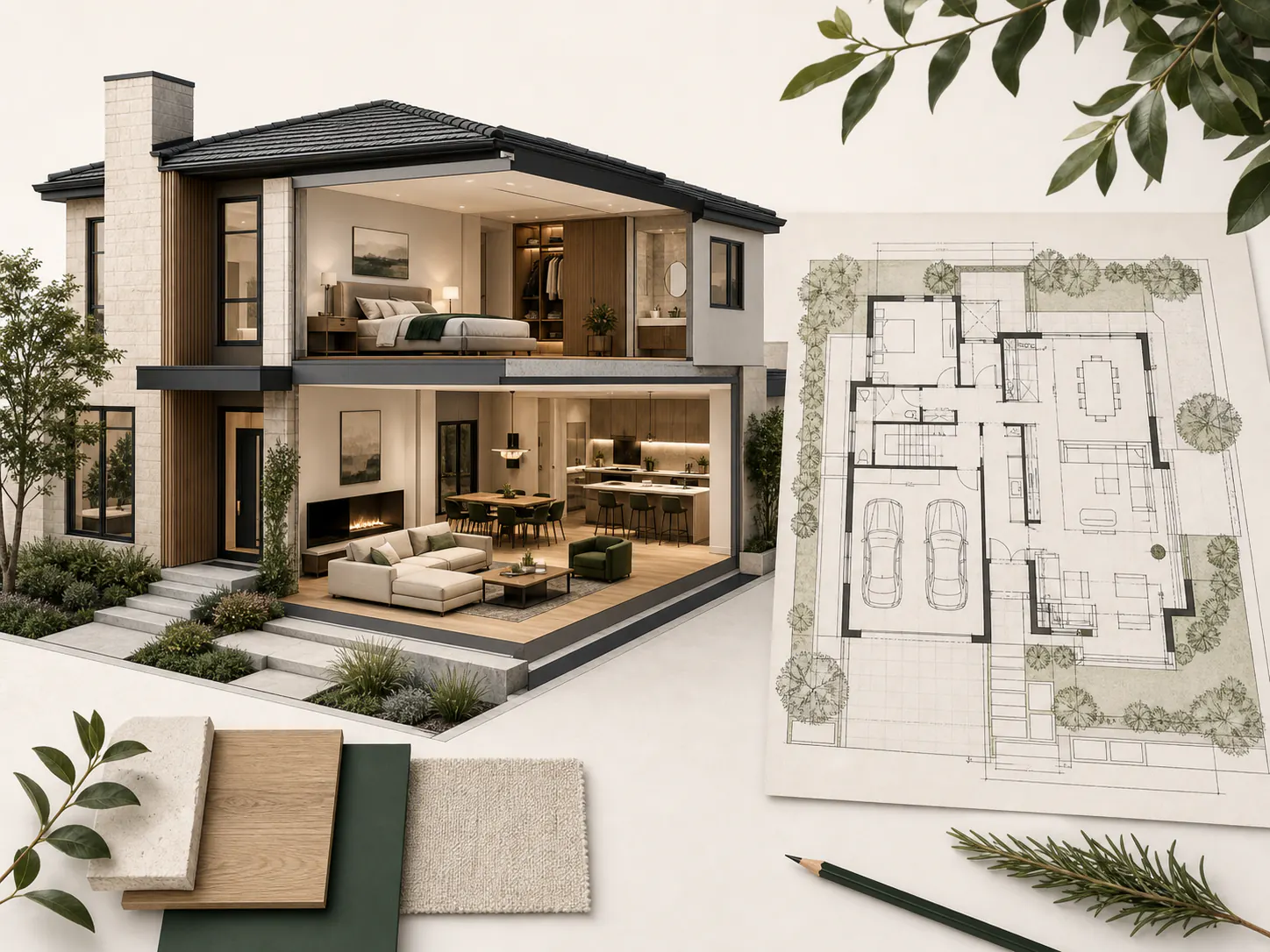
Architectural presentation combining a contemporary house exterior, furnished interiors, and a floor plan

AI design workspace

AI Home Design

Add the details AI Home Design needs, generate a private result, and compare it in Preview or revisit it in History.

Interior Design AI

Configure your direction. Results stay private.

JPG, PNG, WebP. 10 MB
Design input mode
Room type
Design style
Additional requirements (optional)
0 / 1500
Number of images

Request cost

5 credits

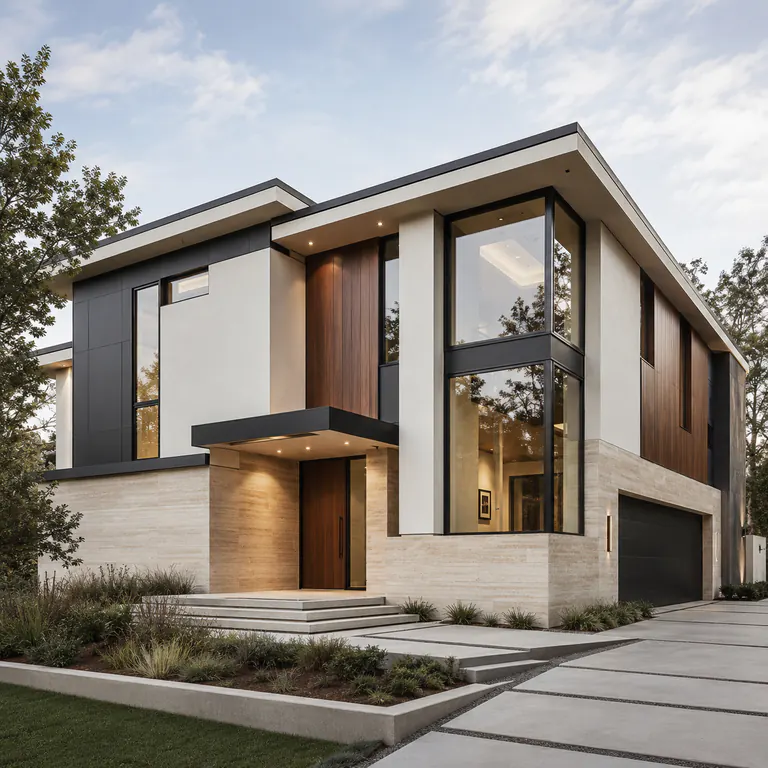
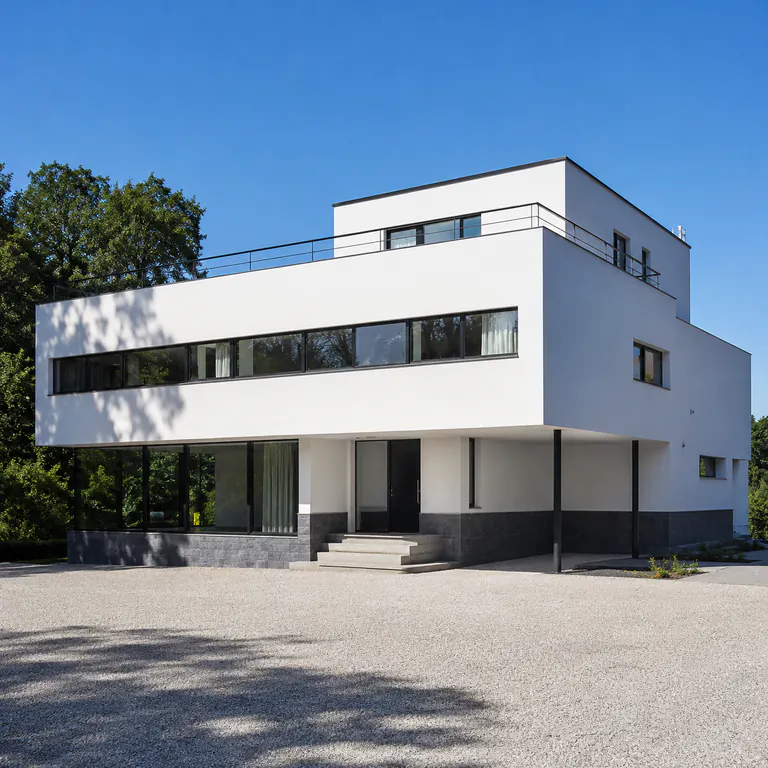
International Style house with white rectilinear volumes, ribbon windows, and a flat roof

How AI Home Design works

Follow a few clear steps to explore ideas, compare the results, and decide what you want to refine next.

  1. Choose what you want to design

    Switch between Interior, Exterior, and Floor Plan so the workspace shows the right controls for your task.

  2. Add a photo or describe your layout

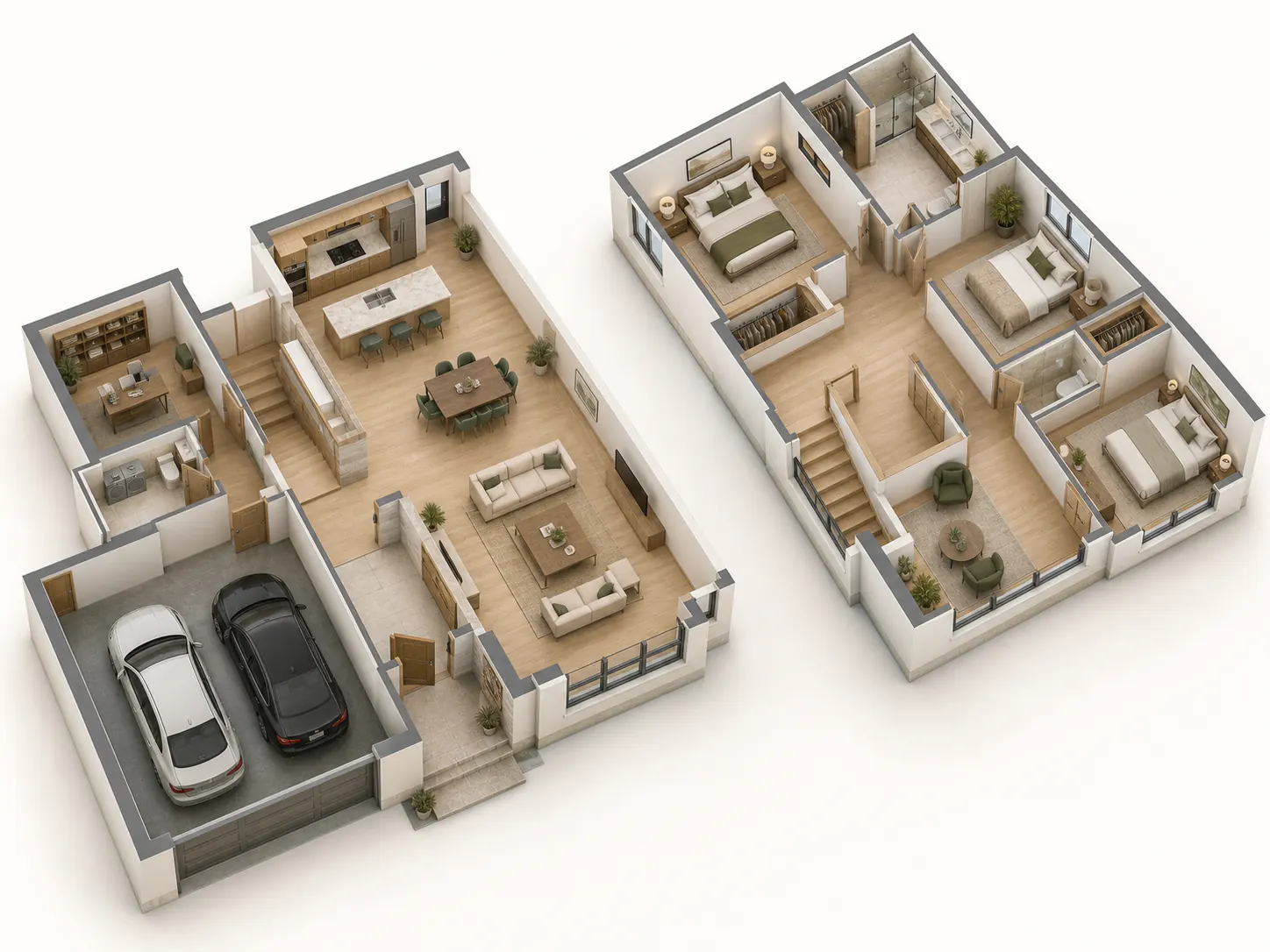
    Upload a clear room or house photo for Interior and Exterior, or describe the spaces and relationships you need for a Floor Plan.

  3. Compare and refine your ideas

    Review each result, adjust the direction, and keep developing the Home Design ideas that fit your project.