
How to use AI interior design from a photo without losing the room
Get more useful AI room designs with a clear photo, firm constraints, focused prompts, controlled variations, and a reality check.
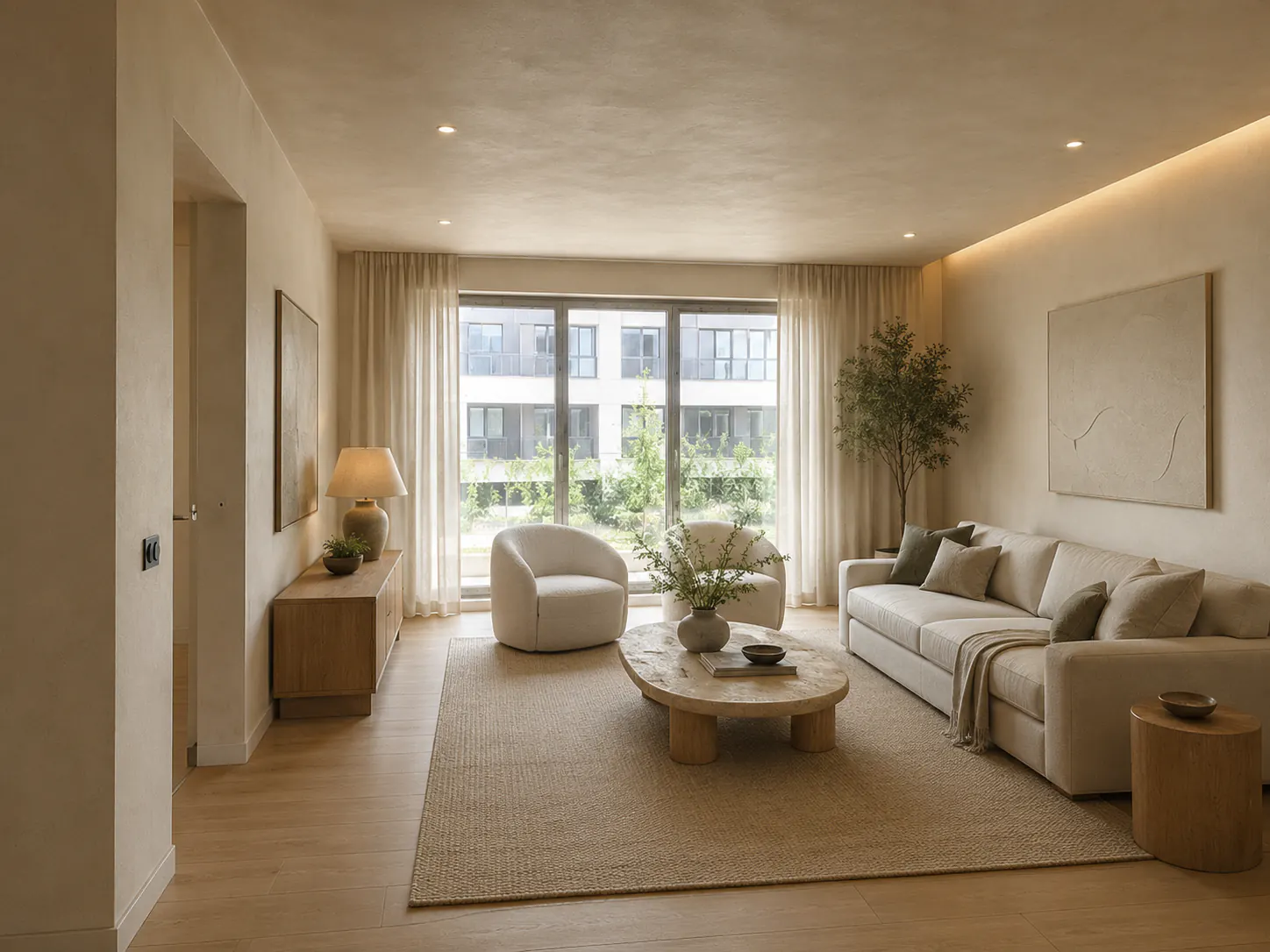
The most attractive AI room image can be the least useful one. The window grows wider, the radiator disappears, and a deep sofa fits into space that never existed. The concept looks convincing because the model solved the picture, not the room.
AI interior design from a photo works best as a visual decision tool. It can help you compare style, color, material, and furnishing directions quickly. It cannot confirm dimensions, structure, building rules, wiring, plumbing, or whether the featured product exists.
Design teams can place this exercise inside the complete image-to-project workflow, which covers review and measured handoff.
The quality of the process depends less on a long list of adjectives than on a clear source image and firm constraints.
If a room photo is your starting point, DwellShift's photo-based home design tools show where visual exploration fits before a measured handoff.
Decide what the image needs to answer
Do not begin with “redesign this room.” Choose one decision.
You may want to compare warm minimalism with traditional detailing, test a dark wall color, replace a bulky seating arrangement, or understand whether light wood feels right beside the existing floor. A focused question makes the generated versions easier to compare.
Separate visual questions from planning questions. AI can show the mood of an island kitchen, but a photograph does not contain enough reliable information to approve island clearances. It can show built-in shelves around a fireplace, but it cannot inspect the wall or locate hidden services.
Write the decision at the top of your notes. After each image, ask whether it helped answer that decision. If not, the next prompt should become narrower rather than more decorative.
Take a source photo the model can read
Use the room's real proportions as clearly as the camera allows.
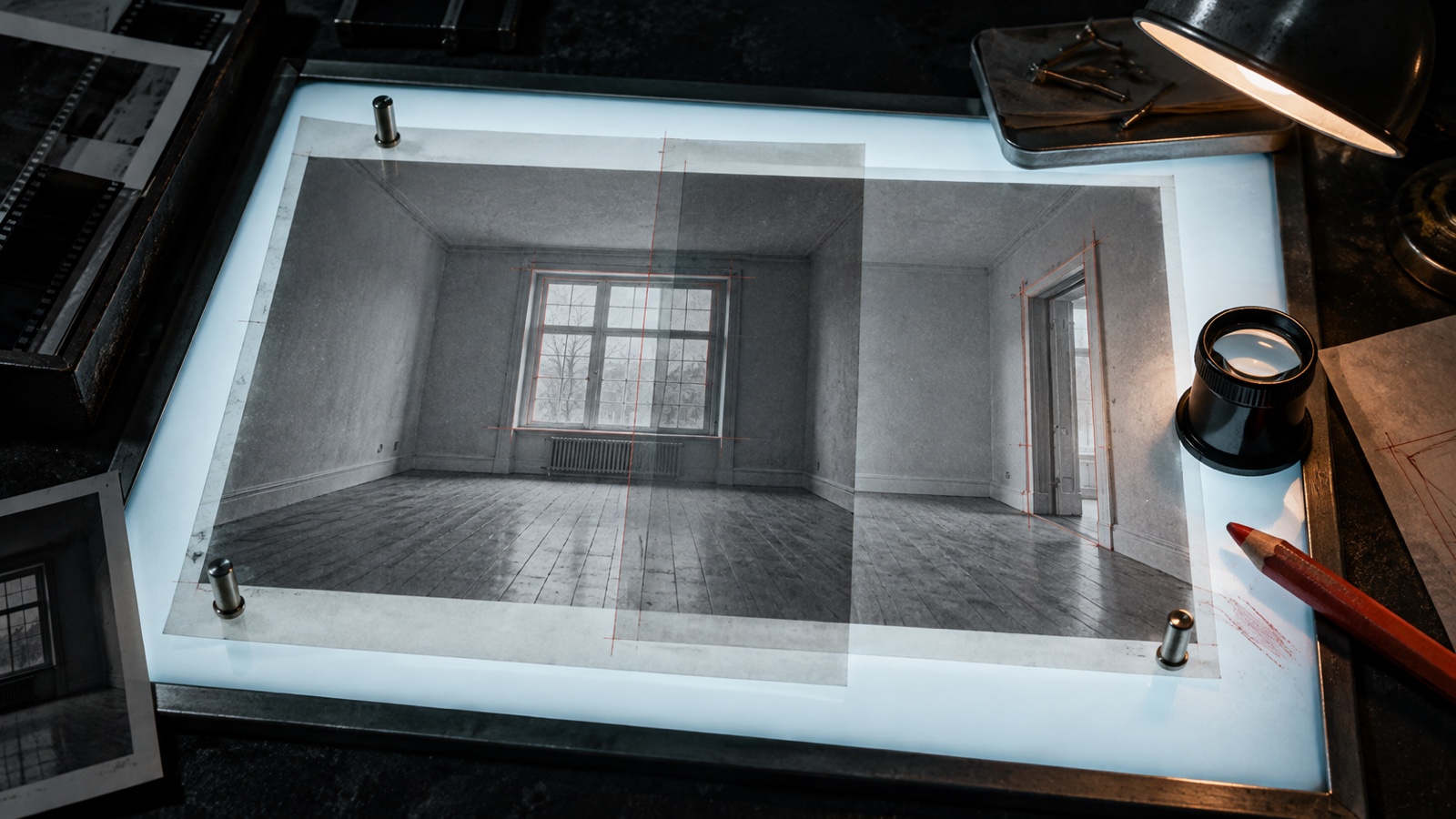
Stand far enough back to include the floor-wall junction, ceiling line, windows, and major openings. Hold the camera level so vertical lines remain reasonably straight. Daylight or even room lighting is better than a bright window surrounded by dark furniture.
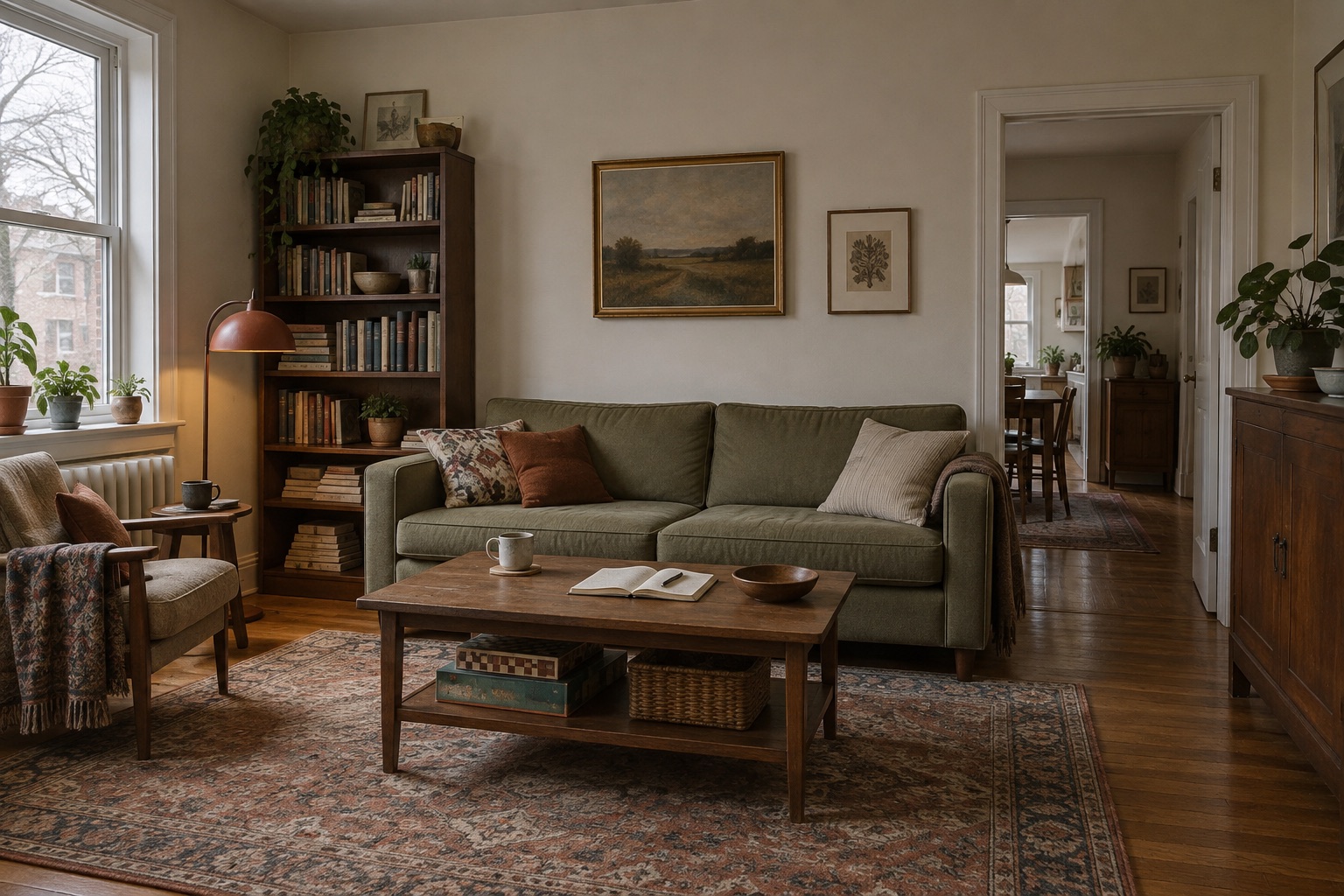
Remove temporary clutter that hides the architecture, but do not clear away the permanent problems you need the concept to solve. If a radiator, structural column, or awkward door is part of the room, show it.
Avoid a wide-angle image that stretches the nearest furniture into a different scale. If one frame cannot explain the room, take several reference photos. Use the clearest main view for generation and keep the others beside you while reviewing the result.
Before uploading, check the frame for faces, family photographs, documents, screens, addresses, and other private details. Crop or remove anything that the design task does not require. Review the service's privacy and retention terms according to your own needs.
Write constraints before style words
A useful prompt tells the model what must survive the redesign.
Start with the room type and fixed elements. Then name the change, material direction, and practical constraints. For example:
Redesign this small living room in a warm modern style. Keep the window, radiator, floor, doorway, and room proportions unchanged. Retain the existing sofa. Replace the media unit with lower closed storage, add one reading chair, and use warm oak, muted green, and off-white. Keep the walking path from the door clear.
This prompt still leaves room for interpretation, but it creates a basis for reviewing the image. If the result removes the radiator or blocks the doorway, it failed a named condition.
Avoid piling on labels whose visual meanings overlap. “Japandi organic modern wabi-sabi Scandinavian minimalist luxury” gives the model many possible cues and gives you no clear way to judge them. Choose one primary style and describe the qualities you want in plain language.
Also avoid asking for an entire renovation when you only need a paint decision. Every extra change gives the model another opportunity to drift away from the room.
Generate variations with one controlled change
The first image is a probe. It shows how the tool interpreted the room and your instructions.
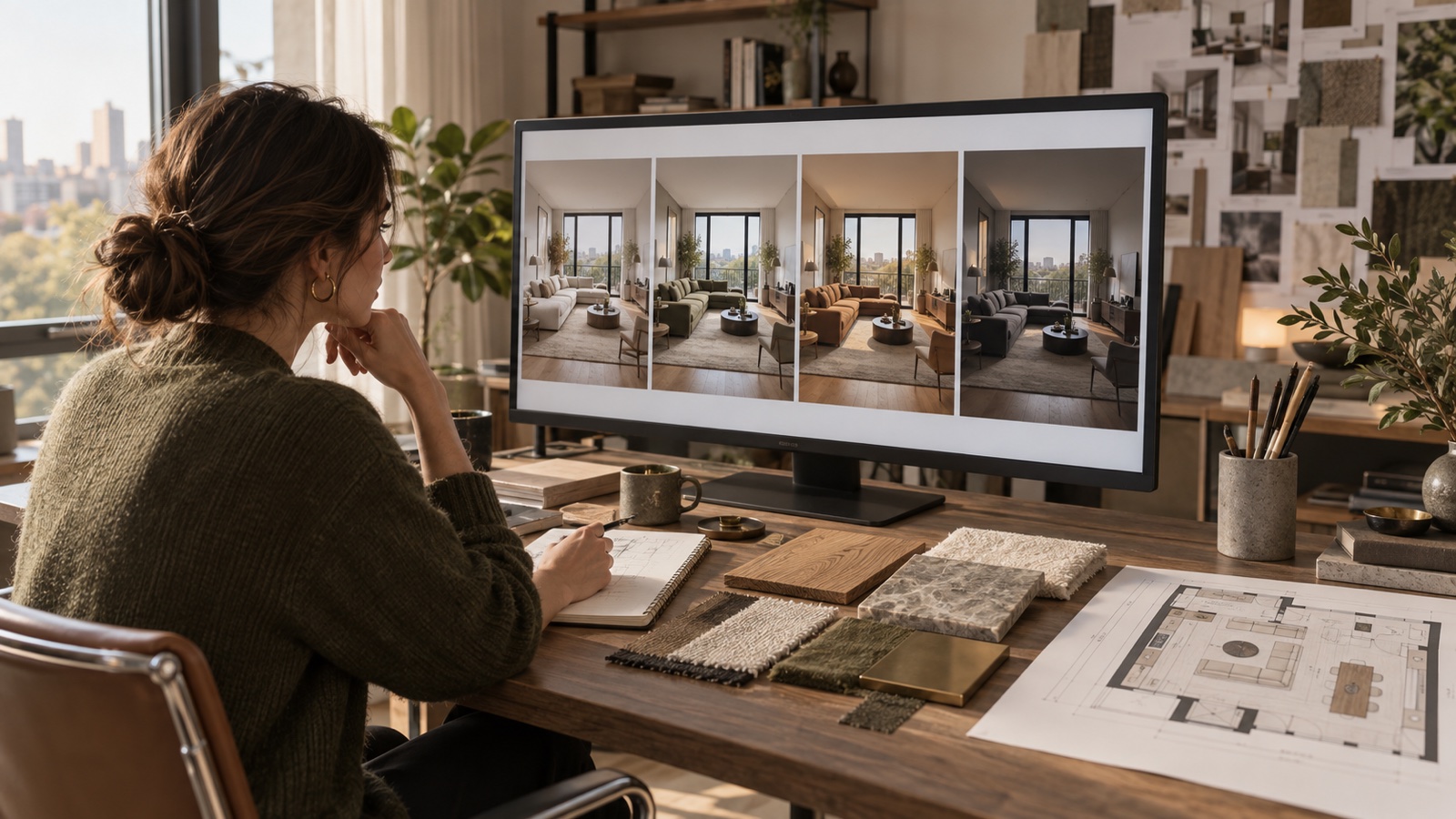
Compare variations that change one decision at a time:
- the same layout with light and dark walls
- the same palette with a sofa and with two chairs
- the same furniture with pale oak and walnut storage
- the same style at two levels of visual simplicity
When every version changes the layout, architecture, furniture, lighting, and camera at once, preference becomes hard to explain. You may choose a version because its imaginary sunlight is prettier, then attribute the reaction to its cabinet color.
Keep rejected images and write one sentence about each. “The dark ceiling is good, but the pale floor is false” is enough. These notes help the next round preserve the useful idea without accepting the invented one.
Use a reference image for relationships, not copying
A reference room can communicate proportion, palette, and material relationships more efficiently than a style label. Choose an image for a specific reason. Maybe it shows the wood tone against plaster, the density of furniture, or the contrast between a dark cabinet and pale wall.
Do not expect the reference to transfer like a set of exact products. Ask for qualities that can adapt to your architecture. A home design style transfer experiment can help compare the same room in different visual languages, but the result should still be checked against the original photograph.
For a more controlled two-image process, the designer's style transfer guide explains how to extract qualities without copying the source.
Use references you have permission to use, especially if images will be shared or published. For private exploration, source and copyright still matter; a generated variation does not make someone else's photograph yours.
Audit every render against the original
Place the source and generated image side by side. Inspect the boring details first.
Count the windows and doors. Check where they begin and end. Look at ceiling height, floor direction, fireplace width, radiators, vents, and outlets. Compare the apparent depth of furniture with the real walking space. Watch for mirrors that reflect an invented room.
Then inspect the design decisions:
- Which existing pieces were retained?
- Is storage plausible or only a flat decorative panel?
- Can doors, drawers, and appliances open?
- Does the lighting have a believable source?
- Did the result answer the original question?
Research systems built specifically for interior generation still describe challenges such as duplicated furniture and inaccurate style rendering, as discussed in the RoomDiffusion paper. General image tools can make related mistakes. A polished surface is not proof of spatial accuracy.
Create a keep, verify, and reject list. A wall color may move into the keep column. A floating cabinet belongs in verify until the wall and fixings are understood. An enlarged window belongs in reject unless a real construction project is under consideration.
Translate the image into decisions you can act on
The render is useful only when you can extract choices from it.
Name the broad palette in ordinary terms. Identify the furniture categories and approximate positions. Note the material relationships, such as dark timber beside warm white or brushed metal against muted green. Record which existing objects remain.
Then return to reality:
- Measure the available space and access route.
- Tape out major furniture footprints.
- Collect physical paint and material samples.
- Check product dimensions, lead times, and care requirements.
- Ask qualified professionals about structural, electrical, plumbing, ventilation, or code-sensitive changes.
Do not shop by trying to find an exact copy of every generated object. Many are composites with impossible joints or dimensions. Search for the underlying need: a shallow closed media unit, a low-back chair, a washable warm-gray rug.
Know when to start from a floor plan instead
A photograph is strong for atmosphere and visible surfaces. It is weak at revealing hidden dimensions and relationships outside the frame.
Use a measured floor plan when the question involves circulation, fitting several large pieces, changing walls, or coordinating rooms. Even then, an AI image should not become a construction document. It can sit alongside the plan as a communication aid.
The same caution applies to kitchens and bathrooms. Beautiful images can place water, heat, and electricity wherever the composition needs them. Those rooms require exact product information, services planning, code checks, and appropriate professional input.
A repeatable photo-to-design workflow
Open the AI interior design tool with one clear question. Upload the cleanest useful photo, choose the closest room and style settings, and write the fixed elements into the instructions. Generate a small set of controlled alternatives.
Next, use the original image as the reference for an audit. Save only the concepts with ideas that can survive measurement and real materials. If you want to explore several tools or room types, continue in the Design Lab without losing the written constraints that made the first comparison useful.
Stop generating when the next image is no longer changing a decision. More options can make a settled direction feel uncertain again.
Questions people ask about AI interior design from a photo
Can AI redesign a room from one photo?
It can create a visual interpretation from one photo. Areas outside the frame, exact dimensions, hidden construction, and services remain unknown. More reference views and a measured plan improve your ability to judge the result.
How do I stop AI from changing windows and doors?
State that those elements and the room proportions must remain unchanged, use a clear source photo, and reduce the number of requested changes. The tool may still alter them, so compare every result with the original.
What should I include in an AI interior design prompt?
Include the room type, the decision you want to explore, fixed elements, pieces to keep, practical constraints, material or color direction, and one primary style. Leave out private information and unrelated adjectives.
Can I buy the furniture shown in an AI room?
Not necessarily. Generated furniture may combine features from many objects or use impossible dimensions. Search by function, material, scale, and shape, then verify the real product measurements.
Is an AI room design accurate enough for renovation?
No. Use it to explore and communicate visual direction. Renovation decisions need accurate surveys, product specifications, local code review, and qualified professional advice where appropriate.
From reading to reimagining
Explore these ideas in your own space
Find a tool for the next step in your project.