
AI Material Visualization Before Specification
Use AI material visualization to compare palettes and surfaces early, then translate the strongest direction into real samples and specifications.
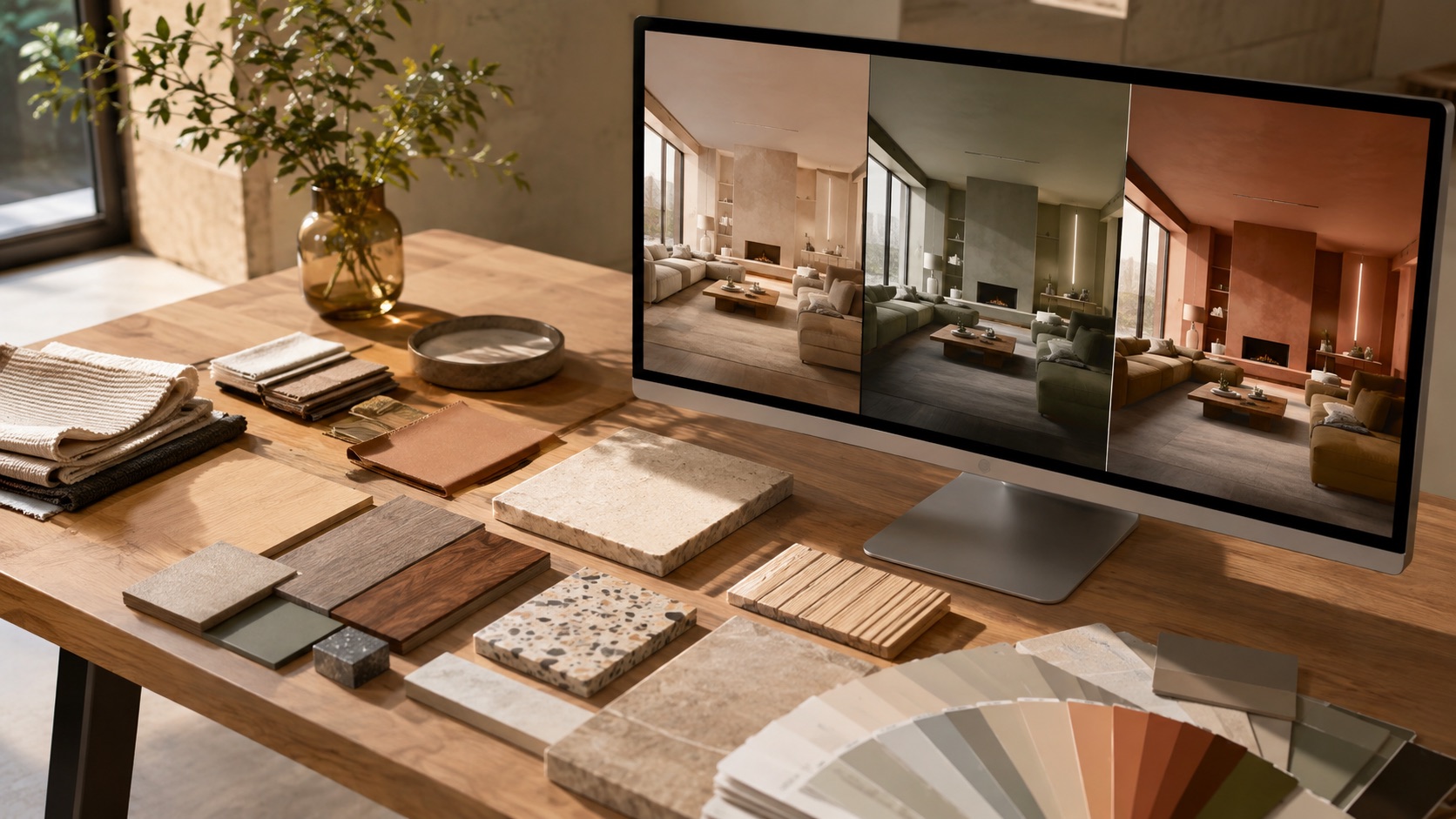
Material decisions are rarely made one swatch at a time. A warm white changes beside oak. The same oak changes beside green stone. A brushed metal that looked quiet on the sample board becomes a bright punctuation when it repeats across the room.
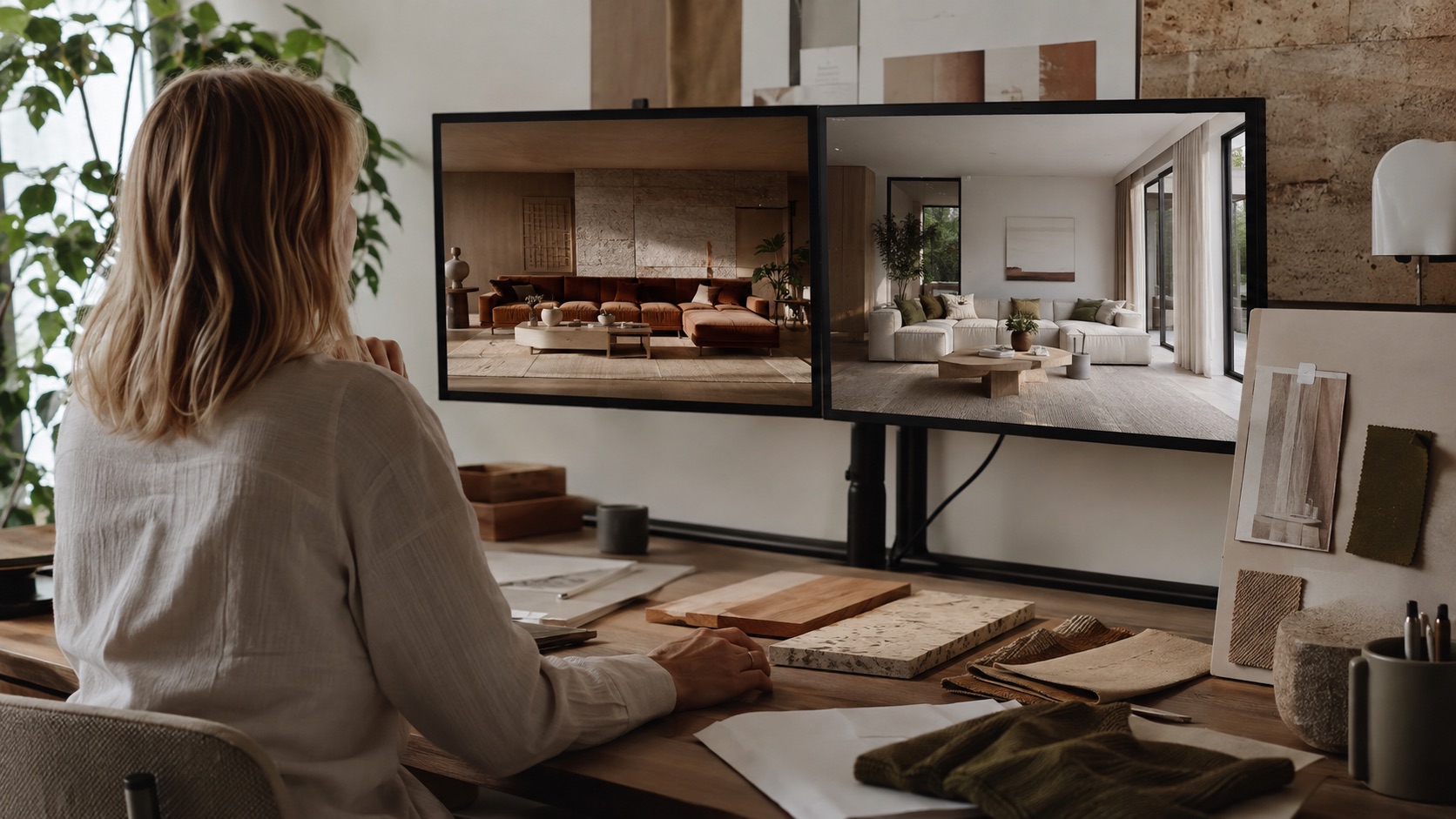
AI material visualization gives designers a visual way to study those relationships before the specification is mature. The output is not a color match or a procurement promise. It is a hypothesis that helps decide which physical combinations deserve time, samples, and supplier conversations.
This article focuses on the material-study handoff. See the full AI interior design workflow for briefing, concept review, and technical boundaries.
Ask a relationship question
Begin with the interaction you need to understand:
- Does the proposed stone overpower the timber?
- Can a low-contrast palette still create enough depth?
- Should the dark color sit on the joinery or the walls?
- Does the room need a cool counterpoint to warm natural materials?
- Will a strong ceiling color clarify the room or compress it?
This is more productive than asking for “a luxurious scheme.” Luxury could mean precision, softness, rarity, gloss, restraint, or scale. Material relationships give the generation something concrete to explore and the design team something specific to judge.
Build a small material vocabulary
In the AI Interior Design tool, describe materials through visible qualities rather than product names alone. Include:
- species or material family, such as smoked oak or honed limestone
- tone, such as red-brown, pale neutral, or blue-gray
- surface, such as matte, brushed, fluted, open-grain, or softly polished
- scale, such as wide timber boards or small handmade tile
- location, such as full-height joinery, island front, or ceiling plane
- light condition, such as diffuse north light or warm evening light
A prompt might read:
Keep the room layout, windows, and pale timber floor. Test full-height smoked-oak joinery against warm off-white plaster, a honed green stone table, oatmeal wool upholstery, and small aged-bronze accents. Keep surfaces matte and the contrast controlled. Avoid glossy marble and cool white lighting.
The location of each finish matters. “Use walnut and green stone” leaves too much open. “Walnut on the full-height joinery and green stone only on the low table” creates a proposal that can be discussed.
Change one layer at a time
Use a sequence of related studies instead of six independent rooms.
Study 1: Value structure
Compare light walls with dark joinery against a more even mid-tone scheme. Ignore exact colors. Ask where the room needs visual weight and where it needs relief.
Study 2: Temperature
Hold the value structure steady and compare a warm mineral palette with a cooler stone and metal direction. Check how existing daylight affects both.
Study 3: Surface character
Keep color roughly stable and compare quiet matte finishes with more visible grain, veining, or reflectivity. Decide how much material activity the architecture can carry.
Study 4: Accent distribution
Move the strongest color between joinery, upholstery, artwork, and a limited architectural plane. Look for the point at which the accent begins to control the whole room.
Because each study isolates a question, the resulting preference can be translated into a design rule. “We prefer the second image” becomes “keep the envelope light, concentrate dark timber on one vertical volume, and use green as a small low-level accent.”
Use reference images for qualities, not copying
When a client brings a reference room, ask what they actually value. It may be the low contrast, the material density, the quality of daylight, or the balance between old and new. The exact furniture and architecture may have little relevance to the project.
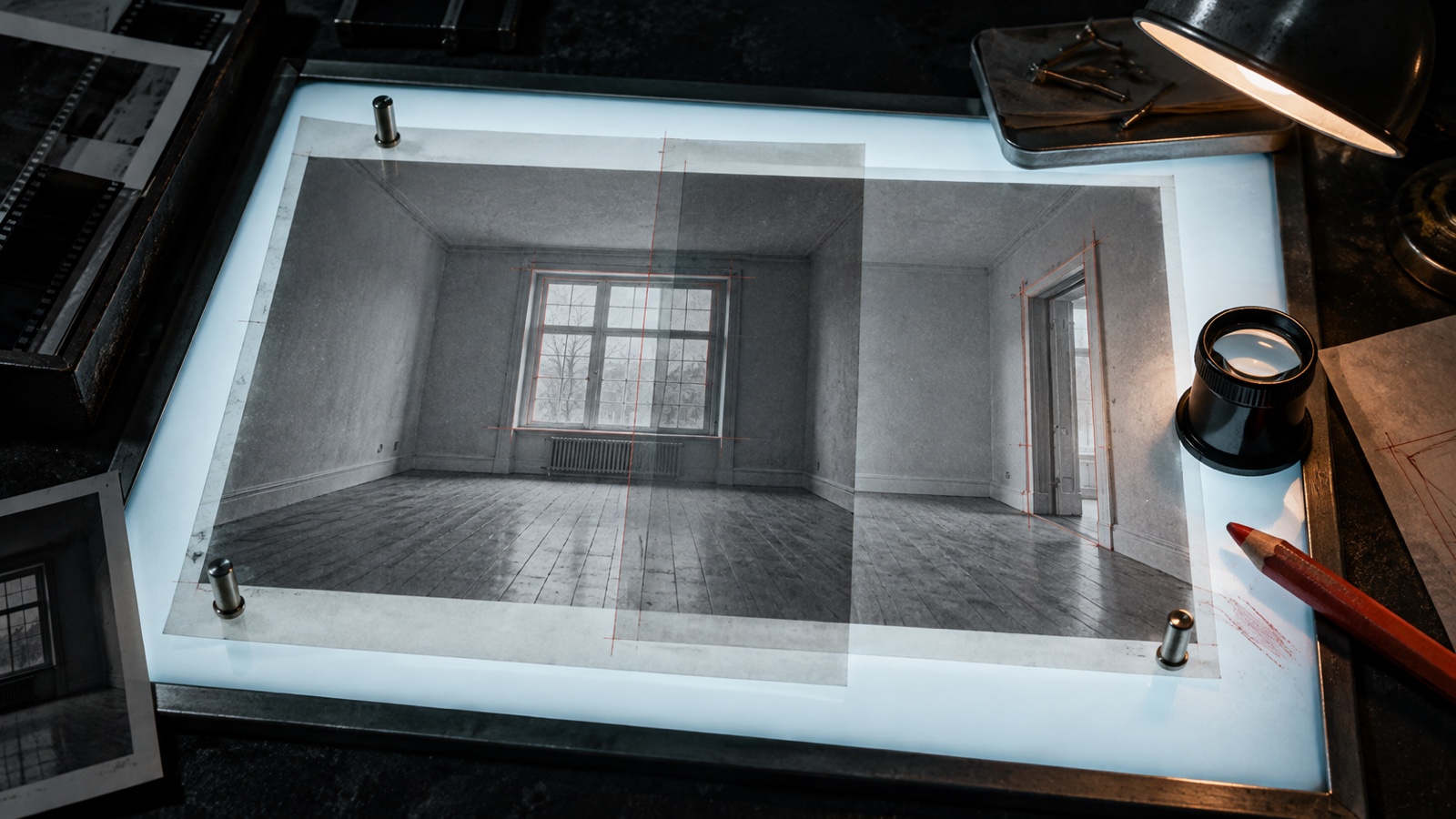
The AI Interior Style Transfer tool lets you pair the project photograph with a reference image and control how strongly its color, material, and atmosphere influence the result. Use the preservation controls to state what should remain, then review the output for changes to openings, proportions, and fixed elements.
Choose a reference image you are entitled to use in the project workflow. Treat it as analysis and direction, not a shortcut to reproducing another designer's work. The AIA's AI Firm Toolkit connects professional AI use with respect for intellectual property and the contributions of other designers.
Read the result as a material diagram
Do not begin by asking whether the image is photorealistic. Read it from large surfaces to small details:
- Which material carries the room?
- Where does the darkest value sit?
- Are warm and cool materials balanced or fighting?
- Which surface repeats enough to create continuity?
- Where does texture help, and where does it become noise?
- Does the lighting flatter a material in a way the real room cannot support?
Take a screenshot or print and annotate the image. Circle relationships worth developing. Cross out invented details that do not belong in the project. The annotation turns a seductive image into a working document.
Move from pixels to physical samples
An AI image cannot confirm color accuracy, reflectance, slip resistance, fire performance, durability, cleanability, embodied impact, cost, availability, or batch variation. It also cannot show how a finish changes across the day in the actual room.
Once a visual direction survives review:
- request current samples from the intended suppliers
- view them together under the project's daylight and proposed electric light
- confirm product data, maintenance, lead time, minimum order, and warranty
- test large or variable materials at a useful scale
- coordinate junctions, edges, thicknesses, and fixing methods in drawings
- update the cost plan before the image hardens into an expectation
The generated image tells you which sample conversation to have. The sample and specification decide what the project will receive.
For projects tracking product impacts, carry the shortlist into the embodied carbon material workflow before specification.
Make lighting part of the test
Material and light cannot be separated. A matte plaster may appear calm in diffuse daylight and flat under a single overhead source. Ribbed glass can glow beautifully but create unwanted glare. Dark timber may gain richness under warm light while losing legibility in a poorly lit corner.
Run one selected material direction under two credible conditions, such as daytime and early evening. Keep the architecture and finishes stable. Use the comparison to write lighting intentions, not to predict exact lux levels or color rendering.
For accurate lighting decisions, return to photometric data, calculations, mockups, and specialist advice. AI imagery can expose the question. It does not answer the engineering.
The lighting verification guide separates atmosphere studies from calculations and mockups.
Keep a decision ledger
For every useful study, record four lines:
| Field | Example |
|---|---|
| Question | Can dark timber sit on the north wall without making the room feel closed? |
| Visual answer | Yes, if the adjacent wall and upholstery remain low contrast and pale |
| Evidence still needed | Full-size timber sample, daylight review, wall elevation, cost |
| Decision owner | Lead designer with client approval at concept sign-off |
This protects the useful thinking from becoming lost among downloaded images. It also makes later revisions easier because the team knows why a material entered the scheme.
Specification handoff notes
- Never treat the image as an exact paint or stone match. Screens, source photographs, model interpretation, and generated lighting all affect appearance.
- Keep the prompt to the main envelope, dominant joinery or furniture, upholstery, and one or two accents. Start with the surfaces that define the room.
- Curate the studies shown to the client. Internal options can help the designer form a recommendation without reopening every material decision.
- If the image invents an attractive finish, describe its useful qualities and source a real material that can meet the project's performance requirements.
AI makes material thinking visible earlier. The designer's work is to turn that early visibility into a coherent, available, buildable palette.
From reading to reimagining
Explore these ideas in your own space
Find a tool for the next step in your project.