
Interior Lighting: AI Render vs Real-World Proof
A lighting workflow for interior designers that separates atmospheric AI images from photometric checks, mockups, samples, and control scenes.
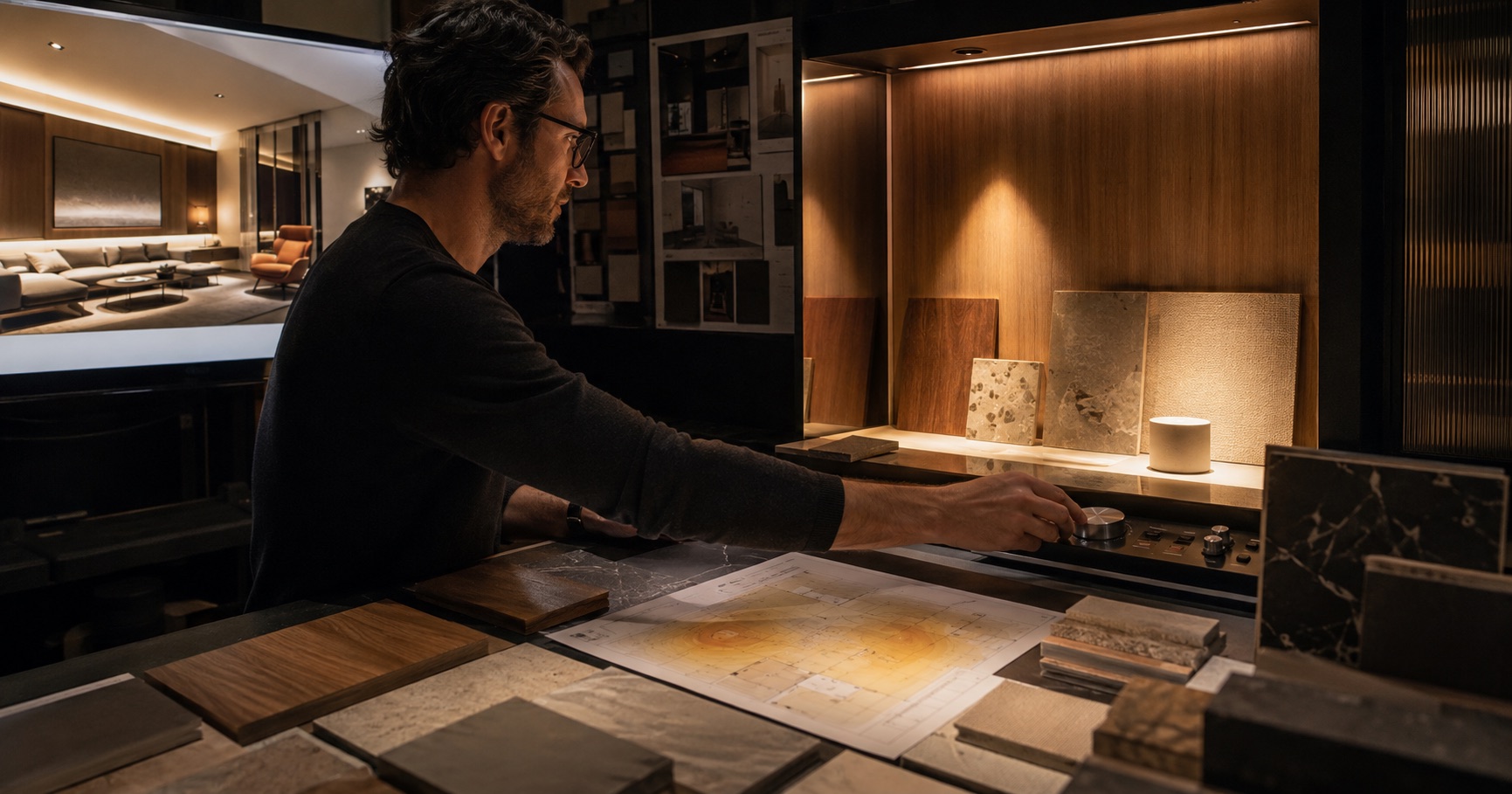
An AI render can make a room feel warm, quiet, and beautifully lit. It cannot tell an interior designer whether the worktop has enough light, the face at the mirror is evenly illuminated, the wall washer will scallop, or the control system can produce the scene shown.
The image and the lighting design answer different questions. Confusing them creates one of the easiest presentation traps in current practice: the client approves an atmosphere that the project has not yet described technically.
Decide what the image is allowed to prove
A concept image can support decisions about:
- the balance of ambient, task, and accent light
- where brightness should gather in the composition
- whether a room feels calm, theatrical, open, or intimate
- the relationship between light and a material palette
- the broad difference between daytime and evening scenes
It should not be used as evidence of illuminance, glare control, color rendering, beam spread, circadian performance, energy use, or code compliance.
That boundary belongs in the presentation. A simple label such as "evening atmosphere study, subject to lighting calculation and fixture selection" protects the design conversation without diminishing the image.
Translate atmosphere into a lighting brief
Before choosing luminaires, describe what the light must do. Replace "warm and luxurious" with observable requirements:
| Design intention | Lighting question |
|---|---|
| Quiet arrival | Which surfaces guide the eye from entry to destination? |
| Comfortable dining | Are faces, food, and table surface lit without glare? |
| Calm bedroom | Can the client move, read, dress, and wind down with separate controls? |
| Textured material wall | What angle and distance reveal texture without harsh shadows? |
| Flexible living room | Which scenes support conversation, reading, display, and cleaning? |
This brief becomes the bridge between the interior concept and the lighting designer or electrical engineer.
Keep a truth table beside every key view
For each presentation image, record the parts that are visual intent and the parts that need proof:
| Image element | Status | Next evidence |
|---|---|---|
| Warm concealed ceiling light | Intent | Detail, source, access, thermal review |
| Art wall brighter than background | Intent | Beam study and aiming plan |
| Comfortable reading chair | Unverified | Task illuminance and glare check |
| Timber appears rich and neutral | Unverified | Sample under proposed lamp spectrum |
| Night route remains visible | Intent | Low-level scene and control test |
The table stops an atmospheric cue from quietly becoming a construction promise.
Use AI for scene exploration
AI is useful early when the team wants to compare a small number of lighting narratives. Keep the room, materials, camera, and furniture stable. Change one thing at a time:
- diffuse ambient light versus localized pools
- wall emphasis versus ceiling emphasis
- brighter vertical surfaces versus brighter floor plane
- one evening scene versus another
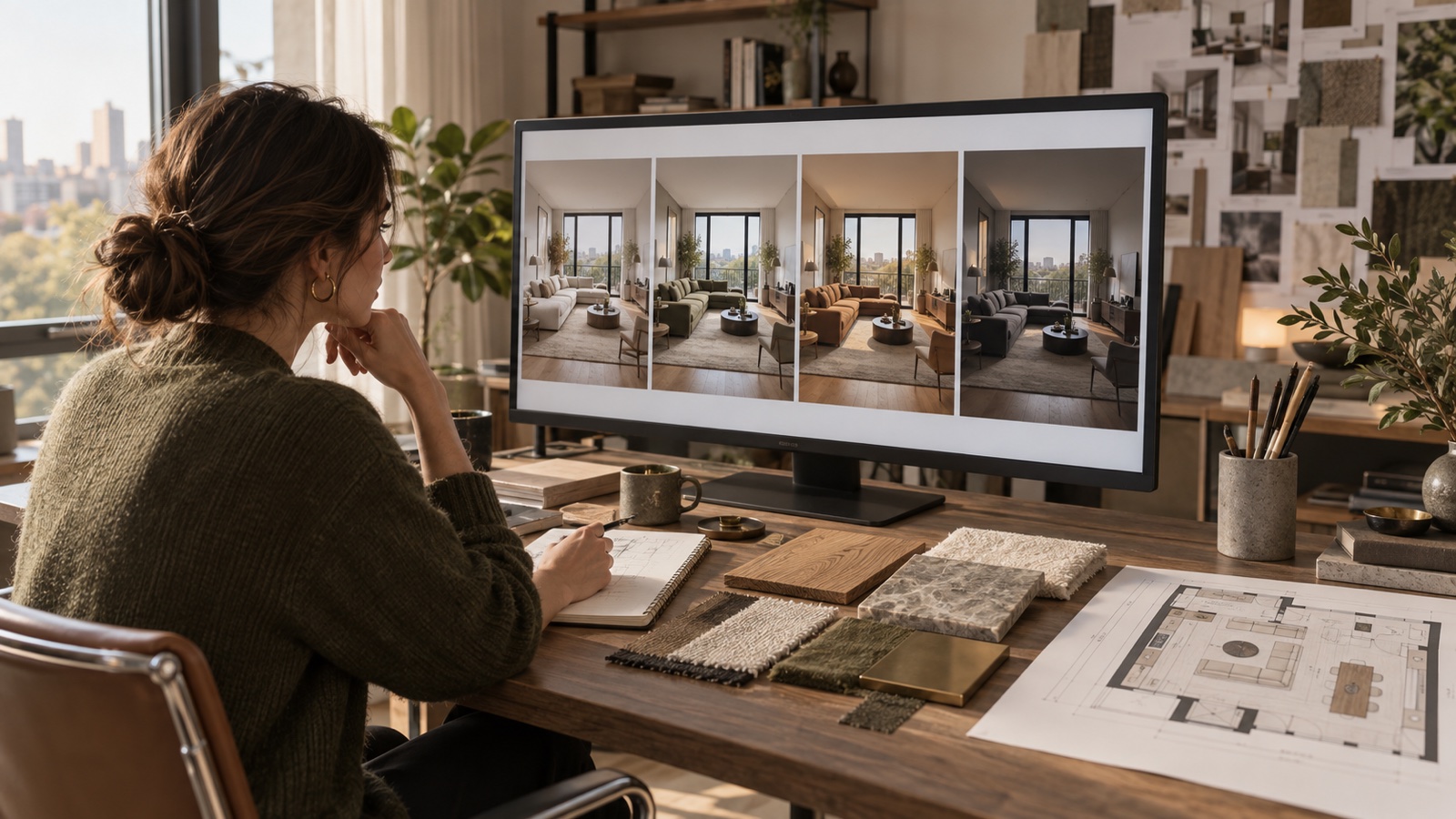
The one-variable revision workflow is especially relevant here. Lighting changes alter perceived material color and spatial depth, so uncontrolled changes make the comparison meaningless.
DwellShift can produce those atmosphere studies in the AI Interior Design workspace. Use the selected image to write the lighting brief, not to select a fixture by resemblance.
Move from image to calculation
Once the client chooses an atmosphere, the lighting design needs measurable inputs: room geometry, surface reflectance, mounting position, luminaire photometry, target tasks, control zones, and applicable standards.
This is where photometric software and qualified lighting input replace visual guessing. A calculation may reveal that a beautiful dark ceiling absorbs more light than expected, a narrow beam creates an unwanted pattern, or the proposed spacing cannot deliver the intended uniformity.
The Illuminating Engineering Society Lighting Library separates lighting practice, application recommendations, measurement, testing, controls, and commissioning into formal standards. Select the current document for the project type and jurisdiction instead of carrying a target from one room type into another.
The WELL Light concept distinguishes between visual lighting, circadian lighting, glare control, color quality, surface design, controls, and daylight. Each feature has its own evidence and verification route. Project teams pursuing WELL or another standard should use the current project-specific requirements and calculation methods.
The CIE position on integrative lighting is another reason to avoid reducing light to a fashionable color temperature. Time, intensity, spectrum, duration, and the individual context all affect how non-visual lighting questions are framed.
Test materials under the proposed light
Digital images compress color and brightness. Screens vary. AI may also invent highlights or remove glare because the result looks better.
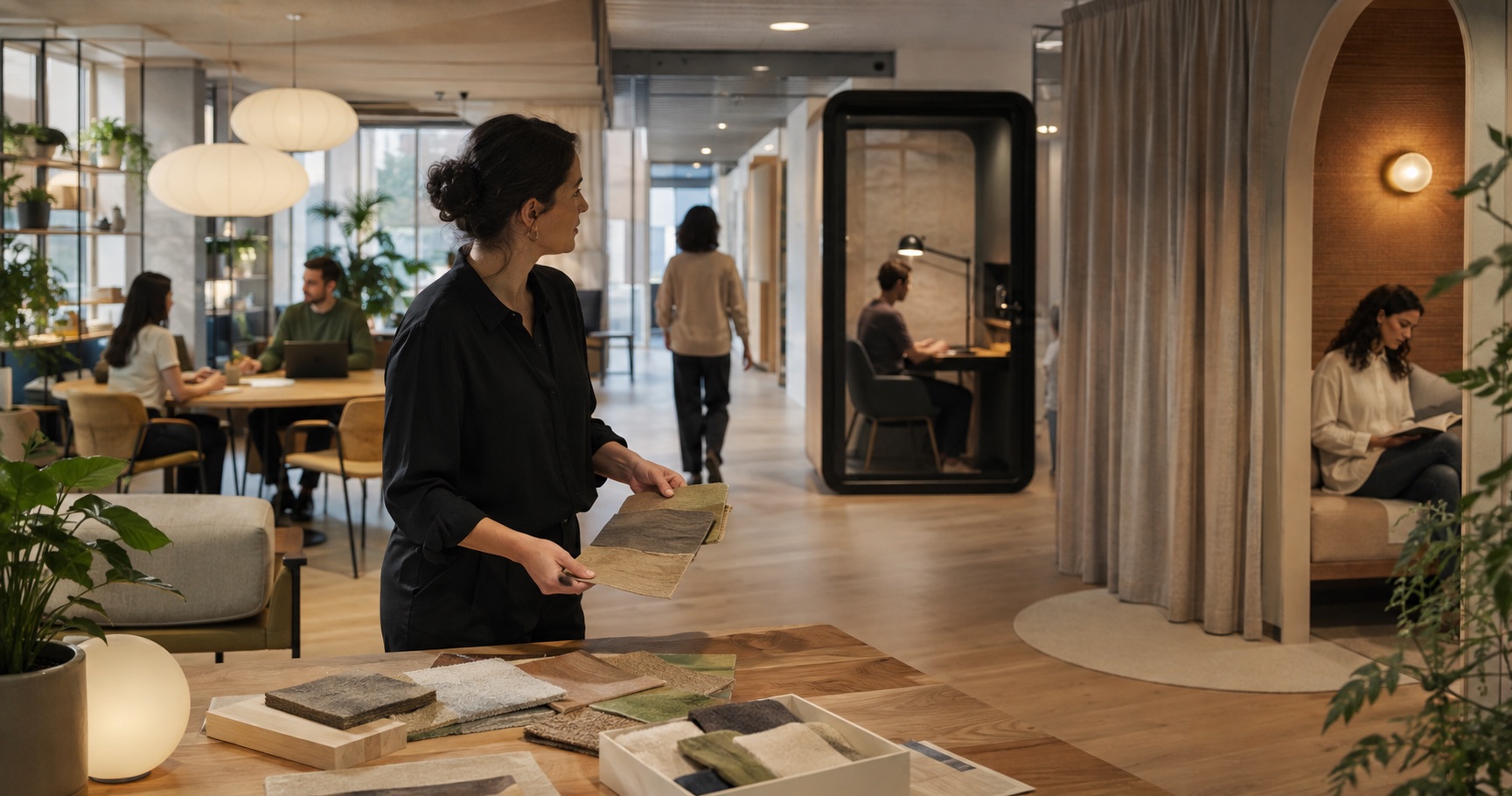
Build a small sample set with the actual paint, timber, stone, metal, textile, and diffuser where possible. Review it under representative sources. Look for:
- shifts in warm and cool undertones
- specular glare on polished surfaces
- texture flattening or excessive shadow
- color differences between adjacent materials
- how skin tones read near the finish palette
- visible source brightness from common viewpoints
The material visualization workflow can narrow the palette before samples are ordered. The sample check decides whether the physical combination survives the light.
Mock up the difficult detail
Mock up the part most likely to fail, not the easiest part to photograph. That may be a cove edge, a backlit stone panel, a wall grazing detail, a mirror, a joinery shelf, or a low-level route light.
A useful mockup includes the real section depth, adjacent finish, proposed source, driver location, access method, and viewing distance. Photograph the result with exposure notes for the project record, but make the decision in front of the physical light.
When a full mockup is not possible, ask the manufacturer or lighting consultant which assumption remains least certain. Direct the limited test budget there.
Design the control scenes as part of the interior
Even a good luminaire layout can disappoint if every source turns on together. Write the scenes before finalizing circuits:
| Scene | What remains on | What the user is doing |
|---|---|---|
| Arrival | Route and selected vertical surfaces | Entering and orienting |
| Task | Relevant ambient and task sources | Reading, cooking, grooming, working |
| Social | Faces, table, artwork, soft background | Hosting or conversation |
| Wind-down | Low, warm, limited sources | Preparing for sleep |
| Cleaning | Broad practical illumination | Maintenance and inspection |
Controls should be understandable without a tutorial. Review switch position, label logic, dimming range, and what happens after a power interruption.
Present the proof in layers
The client does not need a photometric report on the first concept slide. A clear sequence is:
- Atmosphere image with its limitation label.
- Lighting intent diagram showing what is emphasized and why.
- Key fixture and detail strategy.
- Calculation or specialist confirmation for critical tasks.
- Material or detail mockup where appearance is uncertain.
- Scene schedule for handover and commissioning.
The bedroom lighting guide shows how ambient, task, accent, and low-level light can work together in one room. This professional sequence adds verification and control to that layer plan.
An AI render is valuable because it gives the team something concrete to discuss early. Its value drops when it is treated as proof. Keep atmosphere, calculation, sample, mockup, and commissioning connected, and the finished light has a much better chance of carrying the design idea into the room.
From reading to reimagining
Explore these ideas in your own space
Find a tool for the next step in your project.