
Neuroinclusive Interior Design for Real Workplaces
A designer-focused workflow for turning sensory needs into workplace choice, clear zoning, adjustable settings, and testable project decisions.
Neuroinclusive workplace design is not a request to make every office silent, beige, and dim. People respond differently to sound, movement, light, texture, temperature, social exposure, and wayfinding. A single "calm" setting can exclude someone who needs energy, visibility, or interaction just as easily as a busy open office can exclude someone who needs lower stimulation.
The more useful design principle is choice with control. The workplace should offer different settings, make their purpose easy to understand, and let people adjust what can reasonably be adjusted.
Bring lived experience into the brief
Do not ask one employee to represent every neurodivergent person. Use several forms of participation so that people can contribute without disclosing a diagnosis or speaking in a large workshop.
Possible inputs include:
- anonymous surveys about environmental friction
- small interviews or quiet written feedback
- observation of where people relocate during the day
- facilities data on recurring complaints
- a walk-through with employees who want to participate
- review by a qualified inclusive design or accessibility professional
Ask about tasks and environments rather than medical labels. "Where is it hardest to concentrate?" and "Which light can you control?" lead to design information. "Who has a sensory condition?" may create a disclosure problem without improving the plan.
The U.S. Access Board's discussion of neurodiversity highlights both sensory and cognitive barriers and the importance of lived experience. That is a strong reason to treat participation as design evidence, not a final validation exercise.
Map stimulation across the plan
Create a sensory map beside the space plan. Track more than decibels:
| Layer | Questions for the designer |
|---|---|
| Sound | Where are voices, calls, equipment, doors, and sudden noises? |
| Vision | Where is there movement, glare, flicker, clutter, or strong contrast? |
| Social exposure | Which seats feel observed, interrupted, or difficult to leave? |
| Smell | Where do food, cleaning products, printers, or ventilation create peaks? |
| Touch and posture | Which materials or settings limit comfortable choice? |
| Navigation | Can users predict the route, destination, and behavior of each zone? |
Map intensity and change. A corridor that is quiet most of the day but becomes a queue at lunch needs a different response from a consistently active collaboration area.
Design a gradient, not a quiet room
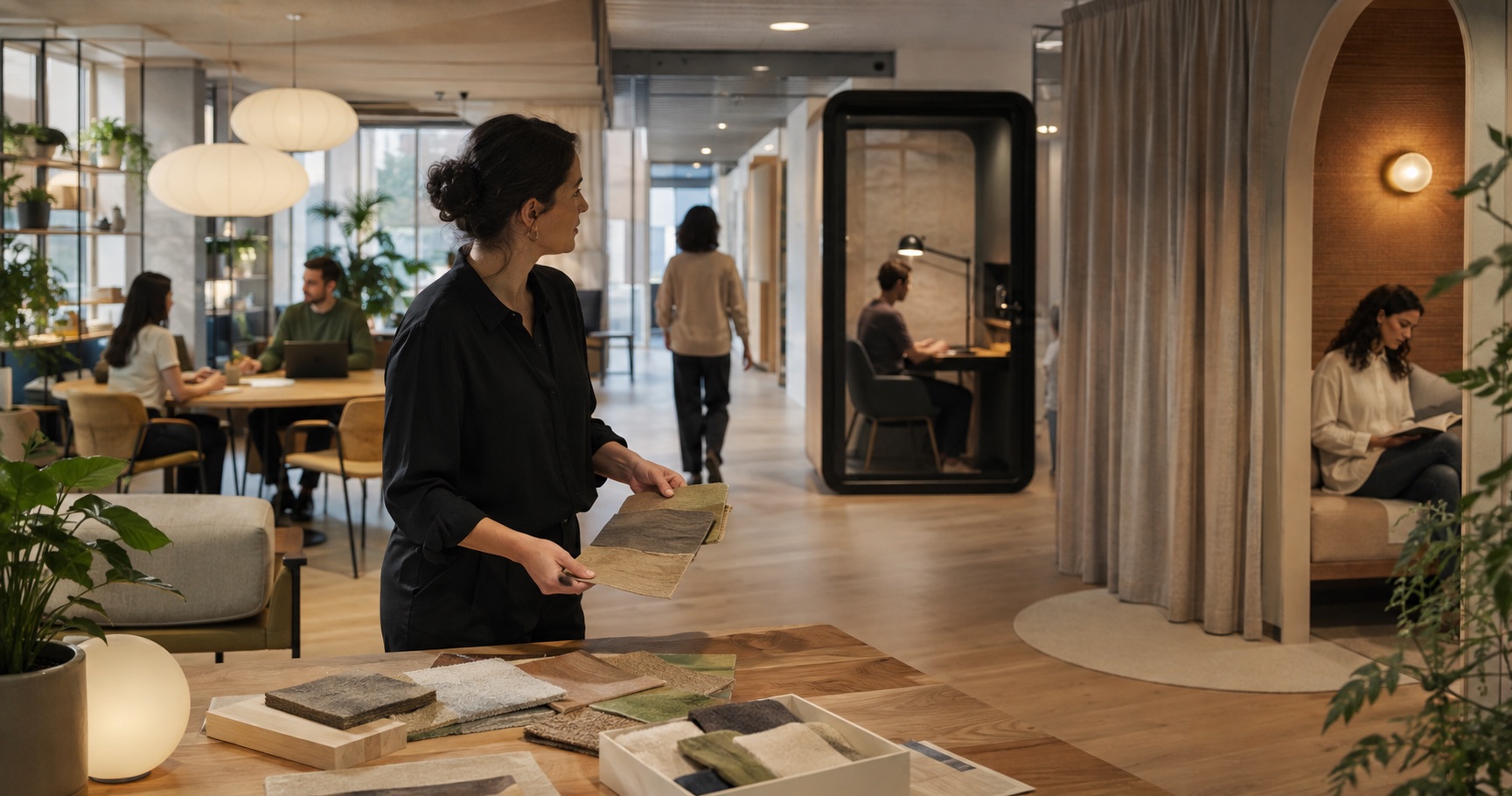
A single retreat room is easily occupied, booked, or treated as an exception. Build a gradient of settings into the normal workplace:
- active social and collaboration areas
- shared work with moderate movement and conversation
- shielded focus positions
- enclosed rooms for calls or concentrated work
- short-stay retreat spaces for decompression
- circulation routes that do not cut through every quiet zone
An IWBI interview on neuroinclusive workplaces describes work as several different modes, including focus, processing, collaboration, gathering, socializing, and refreshment. The exact mix should come from the organization, not a standard percentage.
Give users control at the smallest useful scale
Large building systems cannot respond perfectly to every person. Local control can close part of that gap.
Consider:
- adjustable task lighting and reliable glare control
- screens, curtains, or furniture that change visual exposure
- a choice of open and enclosed seats
- seating with different postures and degrees of movement
- personal temperature options where systems allow
- straightforward booking and occupancy information
- permission to use headphones where the work permits it
Control must be understandable and socially acceptable. An adjustable light is not useful if no one knows how to operate it. A retreat room is not inclusive if using it marks an employee as unavailable or difficult.
The GSA workplace health guidance also connects varied work settings and adjustable furniture with different tasks and occupant preferences.
For smaller rooms and hybrid settings, the home office design guide provides a useful layout baseline. Add sensory control and individual work patterns to that baseline rather than assuming one ideal desk setup.
Reduce surprise in wayfinding
Good navigation lowers the amount of information a person must hold while moving through the space. Use consistent names, visible destinations, repeated landmarks, and a clear relationship between circulation and room entrances.
At each decision point, the user should be able to answer:
- Where am I?
- Where is the destination?
- What kind of activity happens there?
- Can I leave without crossing the center of another activity?
Review signs for language, contrast, placement, and visual competition. A beautiful sign hidden in a patterned wall is not doing its job.
Use visualizations to test sensory intent
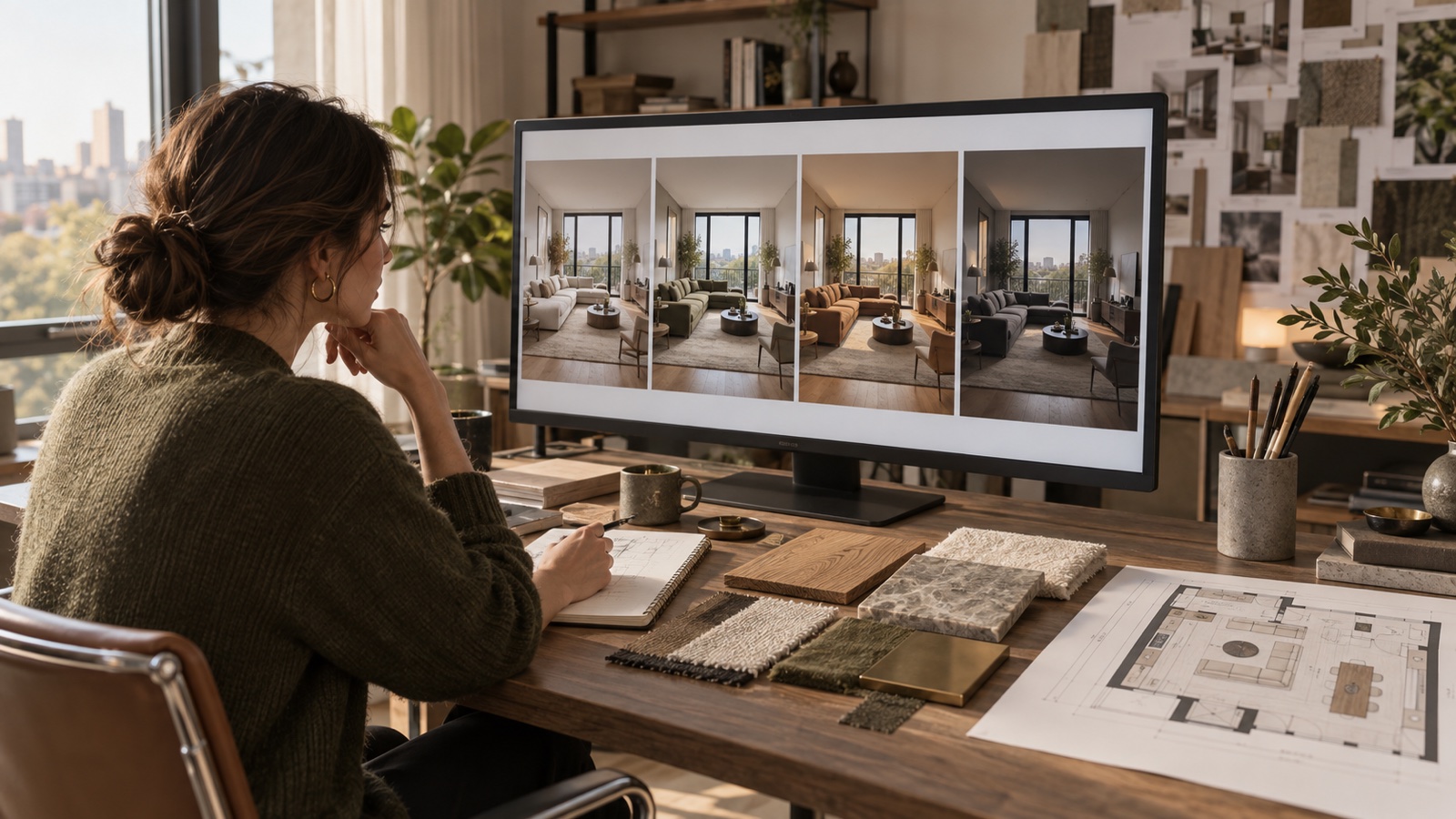
Plans are weak at showing visual exposure, reflected glare, material busyness, or the feeling of sitting with movement behind you. Create views from actual user positions, not only the reception hero angle.
A controlled set might compare:
- an unshielded workstation and a partially screened option
- direct view of circulation and an offset view
- high-pattern and restrained finish distribution
- fixed ambient light and a layered setting with local task light
The client presentation workflow helps keep each image tied to a decision. DwellShift can support these early views in the AI Interior Design workspace, but an image cannot measure acoustic performance, flicker, illuminance, ventilation, or user response.
Test the space before repeating it
Mock up one focus setting, one collaboration edge, and one retreat condition. Use real lights, screens, finishes, door hardware, and acoustic elements where possible. Invite varied users to complete normal tasks and give feedback in more than one format.
Record the test:
| Item | What to capture |
|---|---|
| Intended activity | The task the setting should support |
| Adjustable elements | What the user can change without help |
| Sensory risks | Sound, light, movement, smell, touch, temperature |
| User response | What supported or obstructed the task |
| Design action | Keep, modify, retest, or reject |
Do not promise a health or productivity outcome from appearance alone. State what was tested, with whom, under which conditions, and what remained outside the test.
Carry inclusion into operations
Interior design cannot compensate for a booking policy that blocks access, a facilities team that disables controls, or a culture that treats quiet work as antisocial. Coordinate operational decisions before handover:
- who may use each setting and for how long
- whether retreat space can be used without disclosure
- how lighting, blinds, temperature, and sound controls work
- where employees report a barrier
- how the organization will review the workplace after occupation
Post-occupancy review should ask whether people can find, choose, and control suitable settings, not only whether they like the finishes.
Neuroinclusive design becomes credible when it changes the brief, plan, details, controls, and operating rules. The result may still be visually rich. What matters is that richness is organized, choice is genuine, and no single preferred way of working is treated as universal.
From reading to reimagining
Explore these ideas in your own space
Find a tool for the next step in your project.