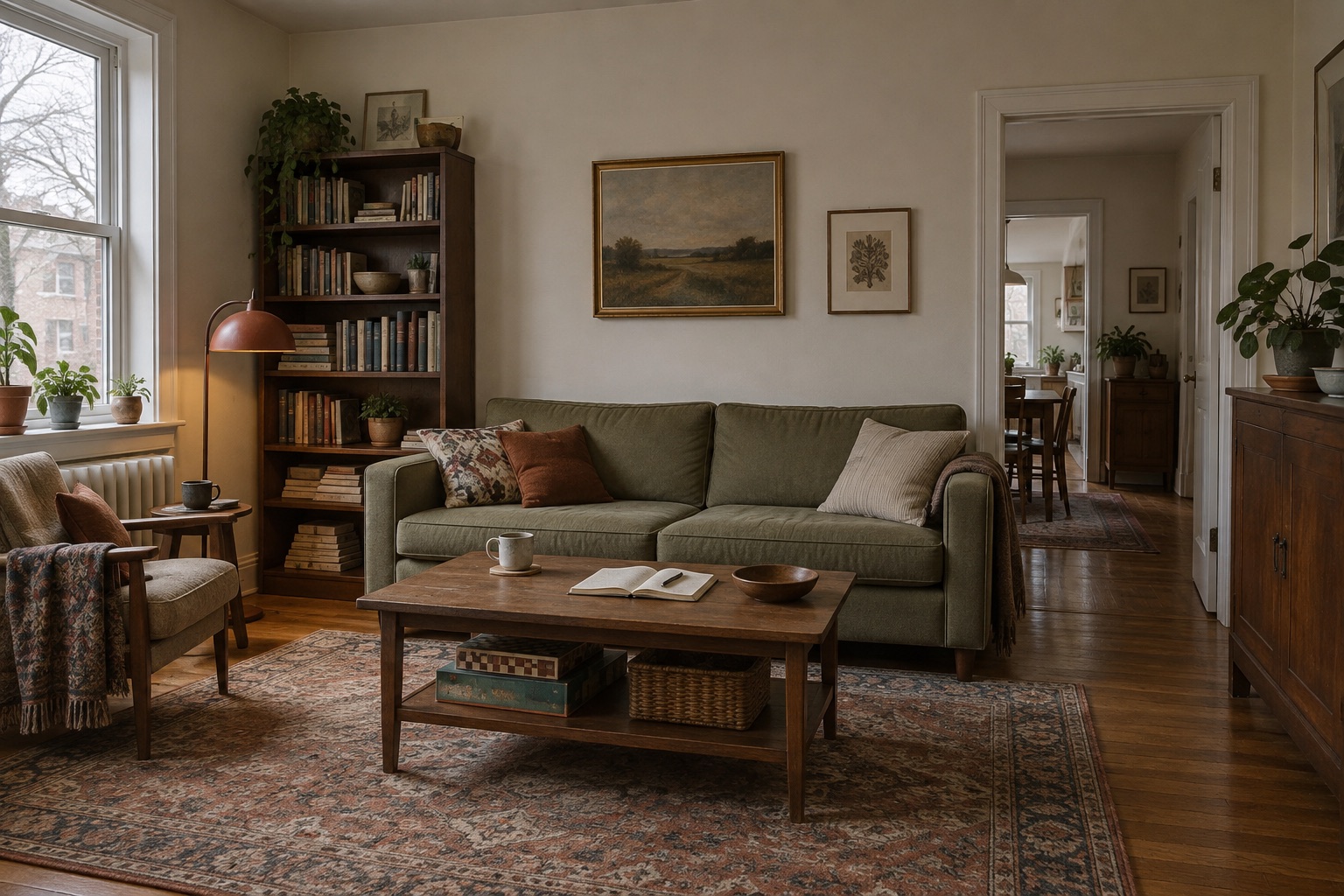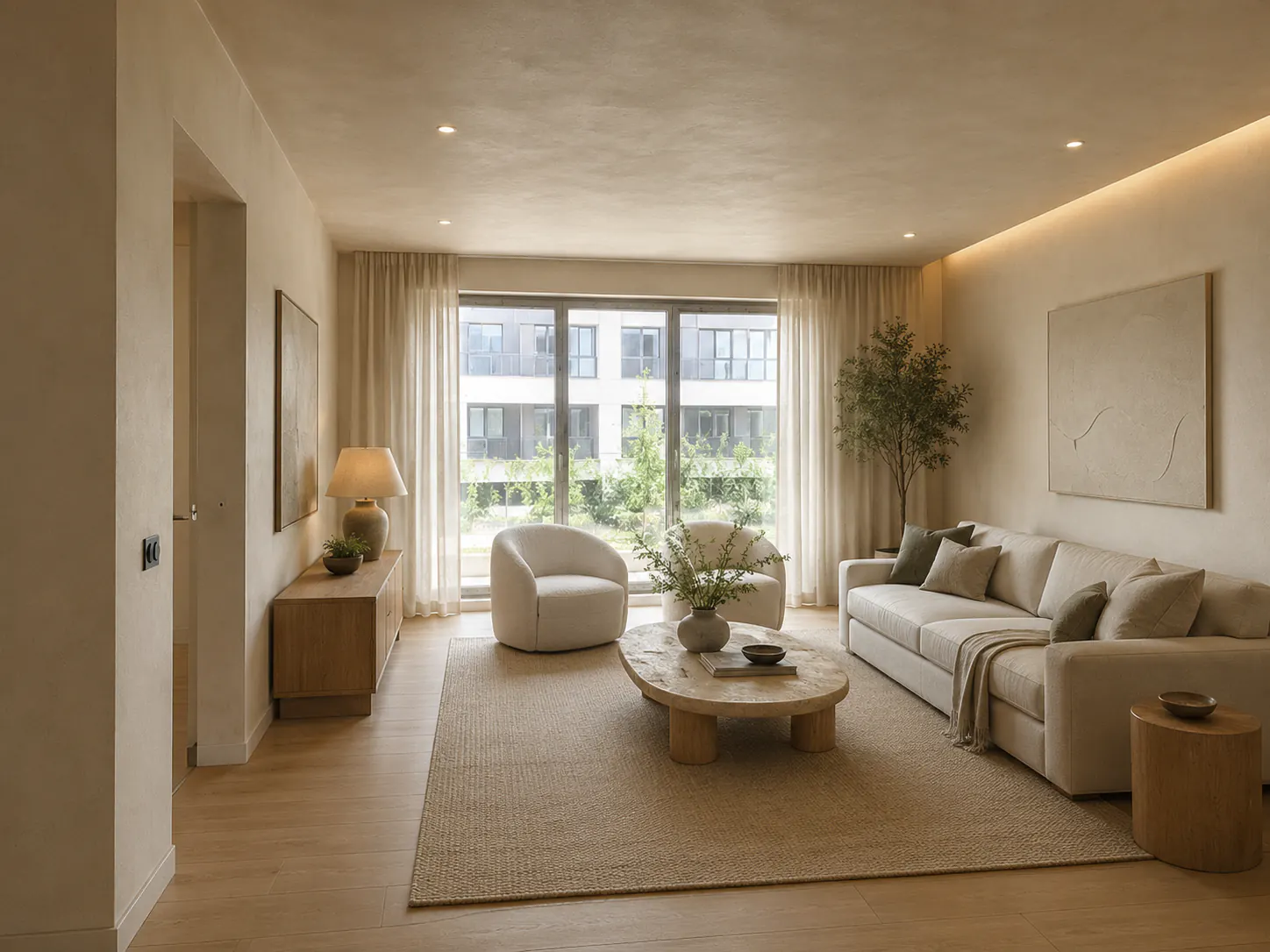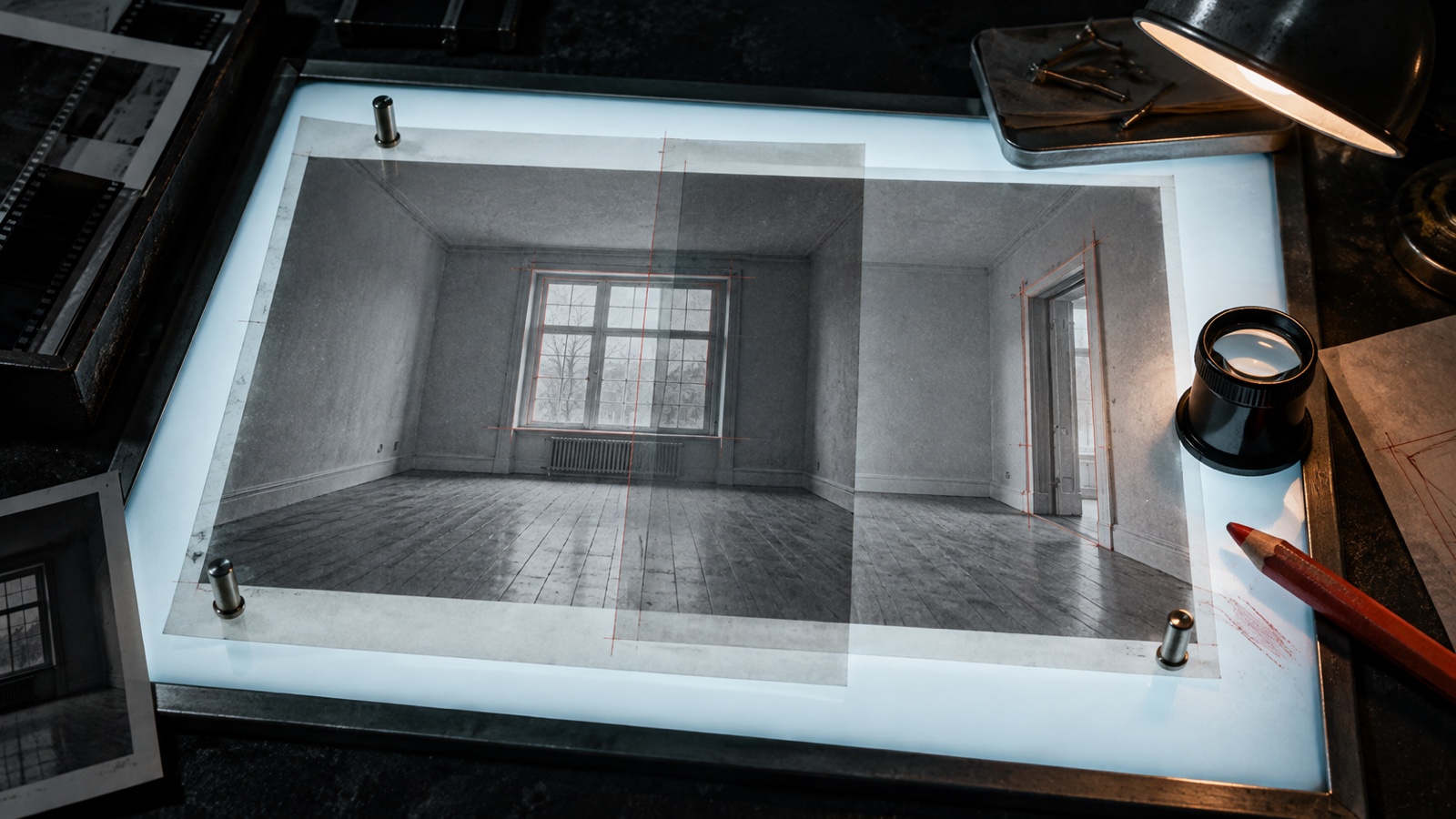

GPT Image 2.5 for AI Interior Design Workflows
What GPT Image 2.5 changes for interior designers, how DwellShift uses Flare, and where professional review still matters.
OpenAI released GPT Image 2.5 on September 8, 2026. The part worth attention for interior designers is practical: the model is better at preserving a reference image, changing a specific part of a scene, and carrying accepted details through later edits.
That is close to how designers already use the DwellShift AI Interior Design workspace: begin with a real room photo, hold the relevant conditions steady, and explore one design question before returning to drawings and samples. DwellShift has now added GPT Image 2.5 Flare to its primary single-image generation workflow.
The release in one minute
- OpenAI says GPT Image 2.5 produces sharper detail, more natural lighting, and richer textures.
- Reference subjects and distinctive details should remain more recognizable during transformation.
- Focused edits are less likely to disturb the rest of the image.
- Multi-turn editing is designed to retain earlier decisions more consistently.
- GPT Image 2.5 Flare is the faster API option and the default recommendation for most applications.
- GPT Image 2.5 Sunburst is intended for detailed work that benefits from tighter edit control and can accept a longer generation time.
OpenAI's GPT Image 2.5 announcement says Flare can deliver higher-quality images than GPT Image 2 with up to 50% lower latency. “Up to” matters here. It is a maximum reported improvement, not a guaranteed time saving for every photo, prompt, resolution, or traffic level.
What actually matters for an interior workflow
Better reference fidelity can reduce room drift
A room photo carries more than style. It records the camera position, window rhythm, ceiling height, fixed joinery, floor direction, and the awkward conditions that make the project specific. When those features drift, the image may still look convincing while becoming less useful to the design team.
GPT Image 2.5 is designed to preserve more of the subject and setting from reference photos. In practice, that gives a photo-led concept study a better chance of remaining connected to the original room. It does not turn the image into a measured model. Openings, proportions, circulation, and furniture footprints still need to be checked against survey information.
If you are preparing the first source image for a project, the room-photo workflow explains what to capture and what to inspect for drift.
Local edits fit real revision conversations
Client feedback is often narrow: make the timber warmer, reduce the visual weight of the sofa, keep the layout, or test the same palette under evening light. Earlier image tools could answer a small request by redesigning half the room.
OpenAI says GPT Image 2.5 is better at changing only the requested element while preserving the surrounding composition. That makes the model more relevant to a controlled revision cycle. The designer still needs a written baseline and a lock list. The one-variable revision method shows how to turn a vague reaction into a test that can be reviewed and closed.
Natural light and texture improve material discussions
More natural lighting and richer texture can make timber, stone, plaster, wool, and metal relationships easier to read. This is useful while a team is narrowing a palette, particularly when the question concerns warmth, contrast, reflectivity, or visual weight.
The gain is visual communication, not specification accuracy. A generated oak tone is not a supplier sample. Stone veining, paint color, gloss level, and fabric scale can still be invented or distorted. Use the AI material visualization workflow to shortlist relationships, then confirm them with physical samples, product data, cost, and availability.
Faster output can make iteration more deliberate
Lower latency is useful when it shortens the distance between a question and a review. It is less useful when it encourages a team to generate dozens of unrelated rooms.
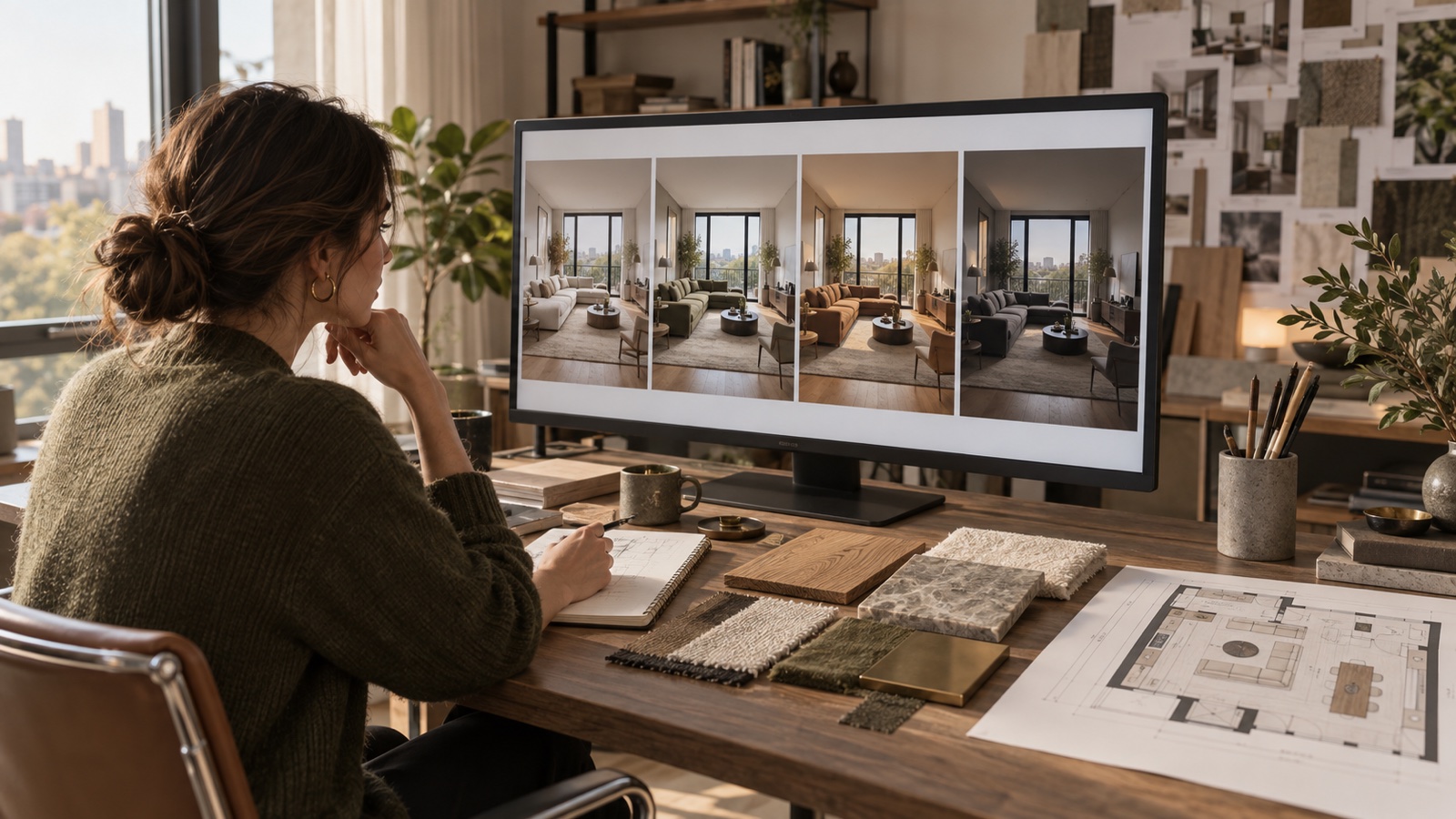
The better pattern is a small sequence: establish one baseline, revise one visible variable, compare it with the previous image, and record the decision. A faster model should help the design conversation stay in motion without making the option set unmanageable.
Why DwellShift uses Flare
The API release has two variants:
| Model | OpenAI's positioning | Best fit in an interior workflow |
|---|---|---|
| GPT Image 2.5 Flare | Fast, high-quality everyday generation and editing | Photo-led concepts, material alternatives, and rapid single-image revisions |
| GPT Image 2.5 Sunburst | The most capable option for precise generation and editing | Detailed creative work where tighter control is worth a longer wait |
DwellShift uses GPT Image 2.5 Flare in its primary single-image workflow because concept design depends on a practical balance of quality, edit control, and iteration speed. OpenAI's Flare model documentation identifies it as the default choice for everyday image generation. Sunburst remains the precision-oriented option in the model family and is not part of the current DwellShift integration described here.
This distinction also prevents a common misunderstanding. Sketch, templates, image comments, and prompt sharing are features of the ChatGPT Images 2.5 experience. They should not be assumed to exist in every API product that uses a GPT Image 2.5 model.
A practical way to test it on a live project
- Choose one clear room photograph that shows the openings and fixed elements relevant to the decision.
- State what must remain: camera angle, windows, fireplace, floor, ceiling line, and any retained furniture.
- Ask for one design change, such as a warmer material palette or a lighter seating composition.
- Generate one result first. The primary single-image route now uses Flare.
- Compare the output with the source at the same size. Check both the intended change and unintended spatial drift.
- If the direction is useful, continue with another narrow revision or move into the style transfer workflow when a reference image is part of the brief.
- Record the selected qualities, then verify them in measured drawings, physical samples, supplier information, lighting calculations, and cost planning.
For a broader sequence from briefing to handoff, use the professional AI interior design workflow.
What GPT Image 2.5 still does not decide
Sharper imagery can increase confidence faster than the underlying design has developed. Keep these limits visible:
- The image does not prove dimensions, clearances, accessibility, structure, services, or code compliance.
- A generated object is not a selected product with a known size, price, lead time, warranty, or performance.
- Attractive daylight does not confirm orientation, glazing, seasonal conditions, or a lighting calculation.
- Material appearance does not confirm a physical sample, batch, finish, maintenance requirement, or environmental impact.
- Greater edit consistency does not remove the need to label AI-generated concepts and retain a human approval record.
The model can make an idea easier to see. The designer still decides whether the idea belongs in the project and carries it into information that can be priced, coordinated, and built.
Questions designers may have
Is DwellShift already using GPT Image 2.5?
Yes. As of September 9, 2026, DwellShift includes GPT Image 2.5 Flare, and its primary single-image generation and photo-editing route is configured to use it. Other generation routes can retain compatible models where their provider requirements differ.
Does the new model make AI renders accurate?
It can improve reference preservation, focused editing, lighting, texture, and consistency. Those are meaningful gains, but they do not make a generated image dimensionally or technically authoritative. Review the source photo beside every important output.
Should a studio replace its rendering software?
No. GPT Image 2.5 is strongest as a fast visual exploration and revision layer. CAD, BIM, controlled rendering, specifications, samples, and consultant work remain responsible for the verified project.
GPT Image 2.5 makes the visual loop more useful when the question is precise. Start with the room, protect what matters, change one thing, and stop generating when the next decision needs evidence rather than another image.
From reading to reimagining
Explore these ideas in your own space
Find a tool for the next step in your project.