
Home office design ideas for a room you can work in all day
Set up a home office around your body, screen, daylight, storage, calls, and the limits of the room instead of copying a styled desk.
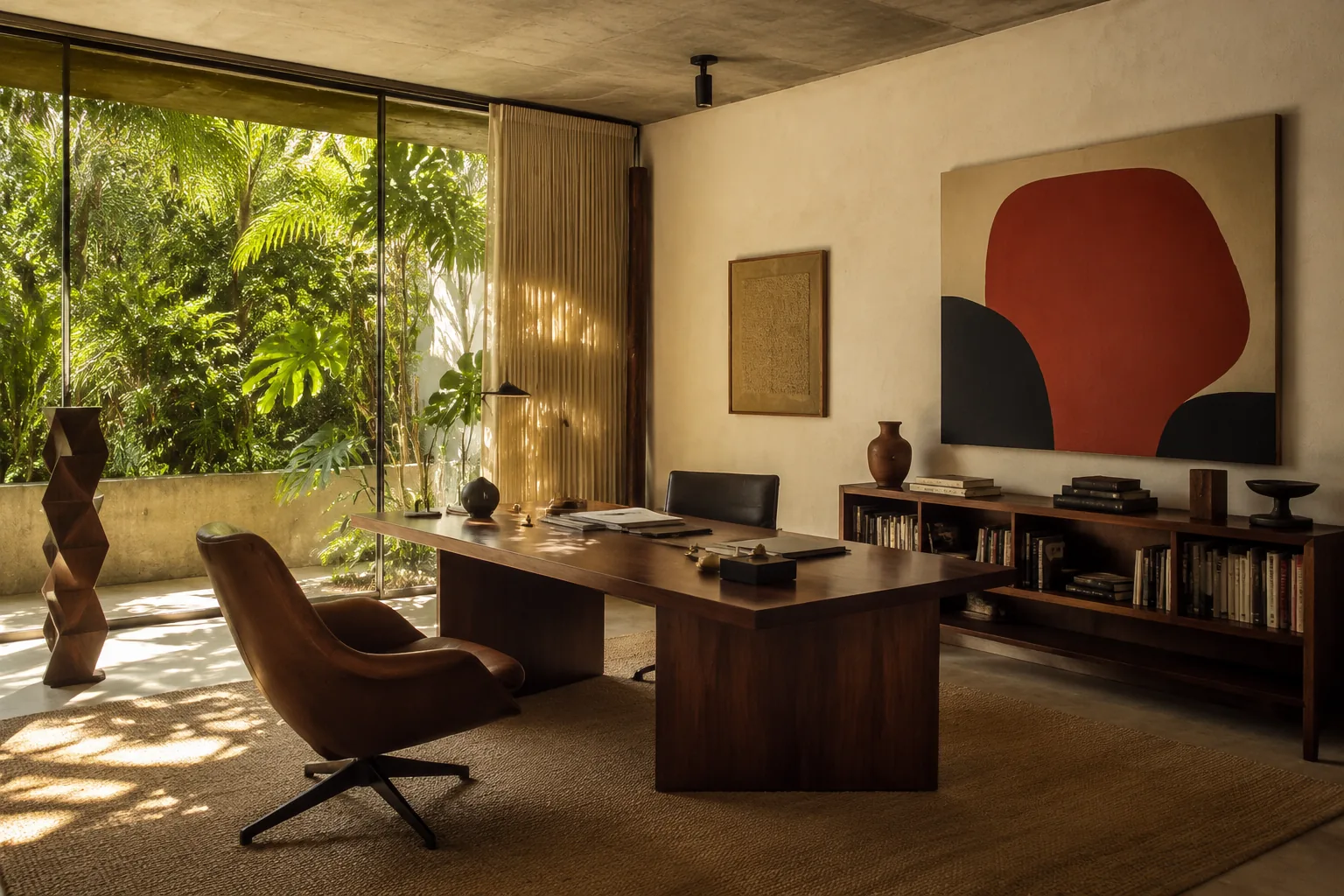
A styled desk can look finished with a laptop, lamp, and small plant. After four hours, the laptop screen is too low, papers have taken over the keyboard, and daylight is reflected across the display. The room passed the photograph test. Work exposed the rest.
Home office design starts with the body and the tasks. Decor comes in later, once the desk can survive a normal day.
List the work before buying the desk
Write down what you do and what each activity puts on the surface. A laptop and notebook need less depth than two monitors, a drawing tablet, speakers, and paper plans. Video calls introduce camera position and background. Printed work needs a place to spread out without covering the keyboard.
Also note what enters and leaves the room. Do samples arrive? Are confidential papers stored there? Does a printer need occasional access? Will another person use the desk in the evening?
This inventory tells you whether the room needs one broad work surface, a compact desk with nearby storage, or separate places for computer work and hands-on tasks. It may also show that the attractive writing desk you saved is too shallow.
If sensory comfort or different work modes are part of the brief, extend this inventory with the neuroinclusive workplace framework.
Fit the workstation to one person
There is no universal correct posture or equipment arrangement. The U.S. Occupational Safety and Health Administration's computer workstation guidance recommends a setup that can be adjusted to the person and task. Its basic checks include monitor position, chair support, and enough room for the keyboard and mouse.
Sit in the chair before setting the screen. Your feet need stable support. The chair should let you approach the work surface without the desk edge pressing into your arms or thighs. The keyboard and pointing device should not force your shoulders upward or your wrists into an awkward reach.
Place the main monitor directly in front of the primary working position. OSHA's checklist places the top of the screen at or below eye level, with adjustability for the user. People who wear certain corrective lenses may need a different height, so comfort during real work matters more than copying a diagram.
A laptop used as the main computer creates a built-in conflict: raising the screen raises the keyboard. A separate keyboard and pointing device allow the screen and hands to be positioned independently.
Make changes gradually. A new chair cannot compensate for a screen placed to the side, and a monitor arm will not create knee space under a desk packed with drawers.
Put daylight beside the screen
A window directly behind the monitor can create a bright field around the display. A window behind you may reflect in the screen and create uneven light during calls. Placing the desk so daylight arrives from the side often gives you more control.
That is a starting point, not a rule. Test the position at the hours you normally work. Seasonal sun angles change. A room that is comfortable in a cloudy month may receive a hard stripe of sun later in the year.
Use an adjustable blind, shade, or curtain where glare changes during the day. If the window has a good view, turn toward it during breaks rather than forcing the screen into the most difficult lighting position just to face outside.
For artificial light, illuminate the work without creating a reflection. An adjustable task lamp can place light on paper while staying out of the eyes and camera frame. General room lighting reduces the harsh contrast between a bright screen and dark surroundings. Dimmers help when the office also serves another purpose, provided the lamps and controls are compatible.
The bedroom lighting guide offers a useful layer-by-layer approach when the office shares a sleeping space.
Give video calls their own square
The camera sees a narrower room than you do. Open the camera app and inspect the actual frame before arranging the whole wall behind the desk.
Keep the lens near eye level and avoid pointing it up from the keyboard. A window in front of you can give soft light; a bright window behind you can turn your face into a silhouette. If daylight changes too much, use a controllable lamp near the camera rather than increasing every light in the room.
The background needs less decoration than people think. A plain wall, one shelf, or a cabinet with closed doors is easier to maintain than a full display that must look composed before every call. Remove private documents, family information, and anything you do not want visible in screenshots.
Acoustics matter more than the perfect background color. Rugs, curtains, upholstered furniture, and filled bookcases can reduce a hard echo. They will not block household noise. A door with a decent seal and a conversation about quiet hours may do more than another decorative panel.
Put storage within the right reach
Divide office storage by frequency of use. The items touched every day should be reachable without leaving the chair or stacking things on the floor. Weekly supplies can sit in a nearby cabinet. Archive material can live farther away.
Avoid deep drawers filled with loose cables and adapters. Use shallow divisions or labeled pouches so the object at the bottom remains findable. Store heavy paper and equipment low. Keep air vents on computers and other electronics clear according to product instructions.
A printer does not automatically deserve the prime surface beside the monitor. If it runs twice a month, place it in a ventilated cabinet or secondary zone that remains accessible when needed. Check clearance and heat guidance for the exact model.
Open shelves bring color and useful reference material into view, though they also collect dust and visual noise. Combine a small display area with closed storage for the objects that are functional but not pleasant to look at.
Handle cables before they multiply
Count the devices, charging cables, power supplies, lamps, and occasional equipment before deciding where the desk sits. The nearest outlet may be on the wrong wall. Extension and power products must suit their load and local electrical requirements.
Route cables so the chair cannot roll over them and feet do not catch them. Leave enough slack for a height-adjustable desk at both its lowest and highest positions. A cable tray can reduce the bundle on the floor, but it needs to remain accessible when one device changes.
Label both ends of similar cords. It feels excessive until the first time a camera freezes during a call and five identical black cables disappear behind a cabinet.
Share the room without pretending work disappears
A guest-room office needs a plan for the transition. If the desk remains covered with work, the room is still an office with a bed in it.
Use storage that can hold the active project, not just office supplies. A drawer or lidded box large enough for the current papers makes it possible to clear the desk without losing the work sequence. Give guests an empty surface, accessible outlet, hanging space, and a light they can control.
In a bedroom office, keep the work surface out of the direct view from bed if the layout allows. A curtain, open shelf, or change in wall color can mark the work zone without building a wall. Do not add a divider so deep that it damages circulation or blocks daylight.
For a dining-room office, choose equipment that can pack away quickly and a chair that works at the table height. The fantasy that everything will be dismantled daily is usually optimistic. Make the reset small enough that you will actually do it.
Let the room look like yours
Once the physical setup works, add the things that make the office tolerable on an ordinary Tuesday. That might be a saturated wall color, a framed print you already own, a good speaker, or a lamp that makes late afternoon less bleak.
You do not need motivational slogans or a shelf staged with books you never open. Put useful reference material where you can see it. Leave a blank section of wall if your eyes need a place to rest.
A home office can be more personal than a corporate workstation while remaining practical. The point is not to make work beautiful. It is to remove small irritations that repeat all week.
Test the arrangement visually and physically
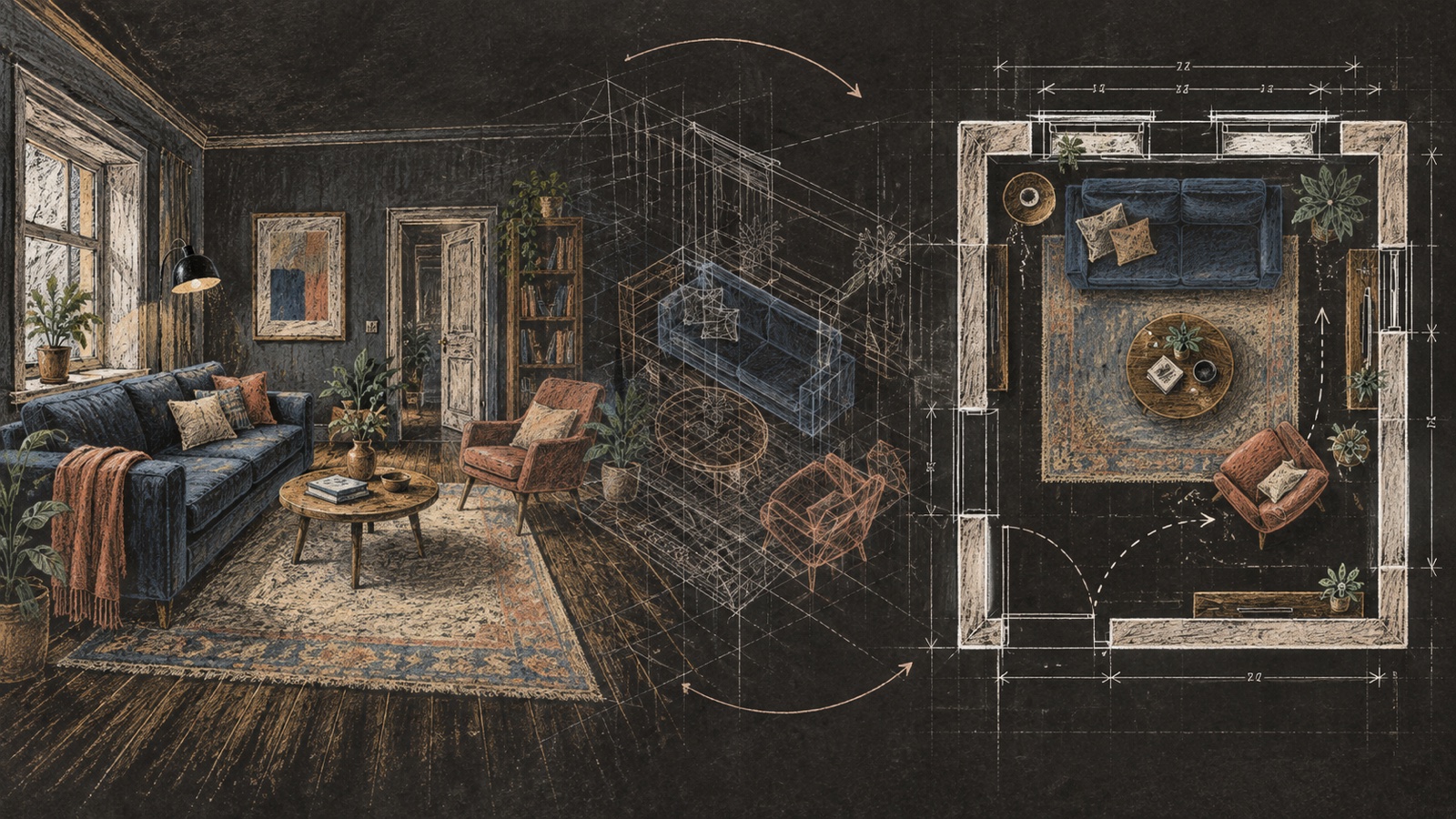
An AI interior design tool can compare desk positions, storage walls, and color directions before you move heavy furniture. In the instructions, keep the windows, doors, outlets, and room proportions fixed. Ask for the desk and screen to remain at realistic sizes.
Generated images often hide cords, shrink equipment, or place a desk where a chair cannot pull back. Use the concept for the room's visual balance, then tape the proposed footprint on the floor. Sit there with the actual computer for a day if possible.
The Design Lab can help explore a broader direction, but the final test is deliberately dull: answer calls, type, read, and put things away. If the setup still works at 4 p.m., it is close.
Home office questions
Where should a desk face in a home office?
Choose the position that controls glare, gives the chair enough movement, and keeps the main screen directly in front of you. A side view of the window often works, though the room and time of use may point elsewhere.
How deep should a home office desk be?
It depends on the equipment and viewing distance. Lay out the real monitor, keyboard, notebook, and any paper work before choosing. Product dimensions are more useful than a generic desk category.
How do I make a home office work in a bedroom?
Create a clear storage routine for active work, give the desk its own light, and keep work out of the view from bed where possible. A shallow divider or curtain can help if it does not block circulation.
Is a standing desk necessary?
No. Adjustability can support changes in working position, but the entire workstation still needs to fit the user. A comfortable seated setup, regular movement, and sensible equipment placement remain relevant.
What should be behind me on video calls?
Use a simple background that does not expose private information. Check it through the camera rather than judging it from the room, and pay attention to face lighting and echo before adding decor.
From reading to reimagining
Explore these ideas in your own space
Find a tool for the next step in your project.