
Tasteslop: how to keep AI room design personal
What tasteslop means, why an AI room can look polished yet feel generic, and how to use your own furniture, references, and prompts to keep it personal.
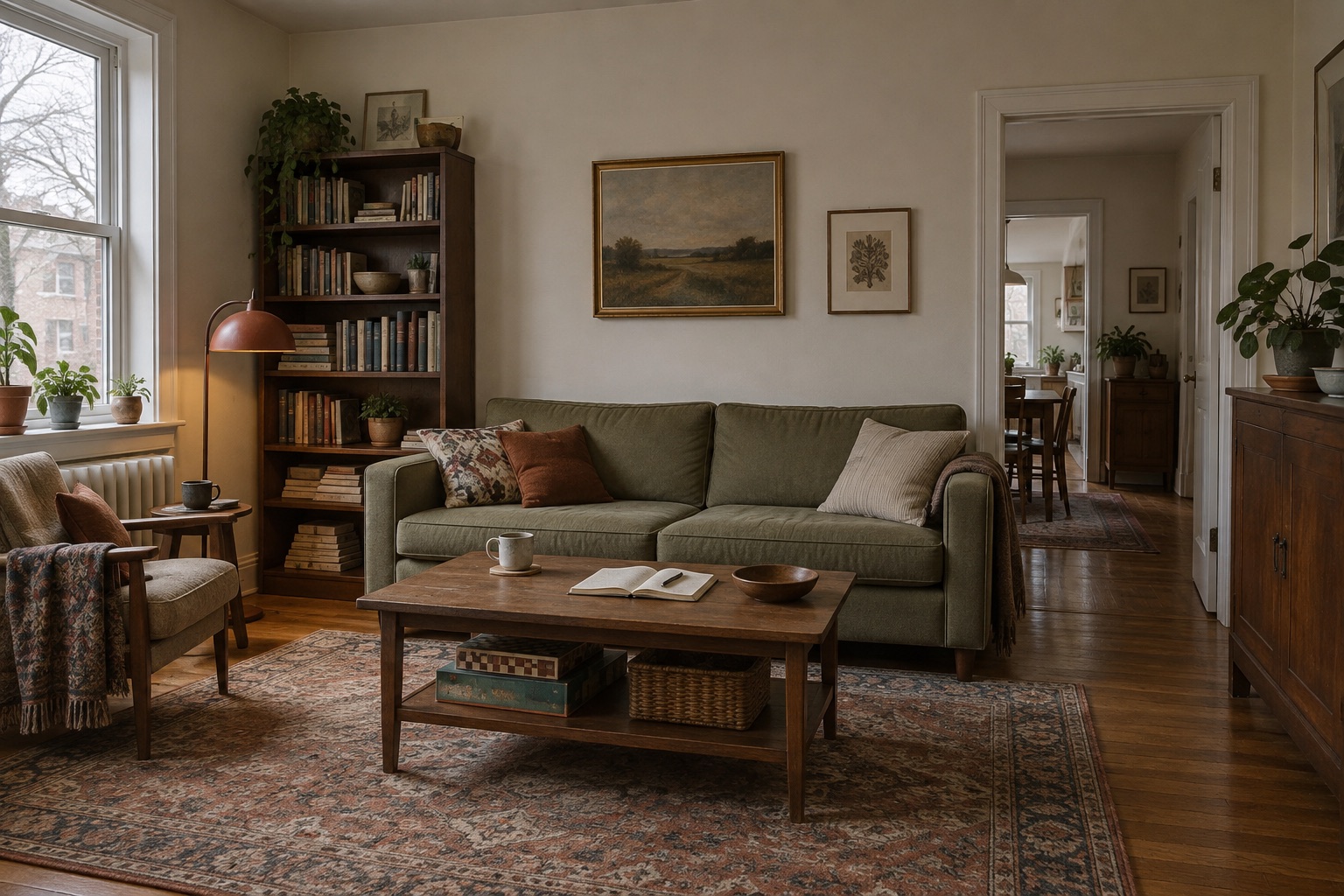
An AI room can look finished before it contains anything you would choose to keep. The furniture matches, the shelves are tidy, and the light is flattering. Your old cabinet has disappeared. So has the place where you put down your bag.
There is a useful new word for a related problem: tasteslop. Cambridge's new-words post of July 27, 2026 describes AI-generated visual content that aims for good taste but ends up generic and unoriginal. Interior design is one of its examples.
For anyone using AI to rethink a home, the word raises a practical question: how much of your room survives the image you prefer?
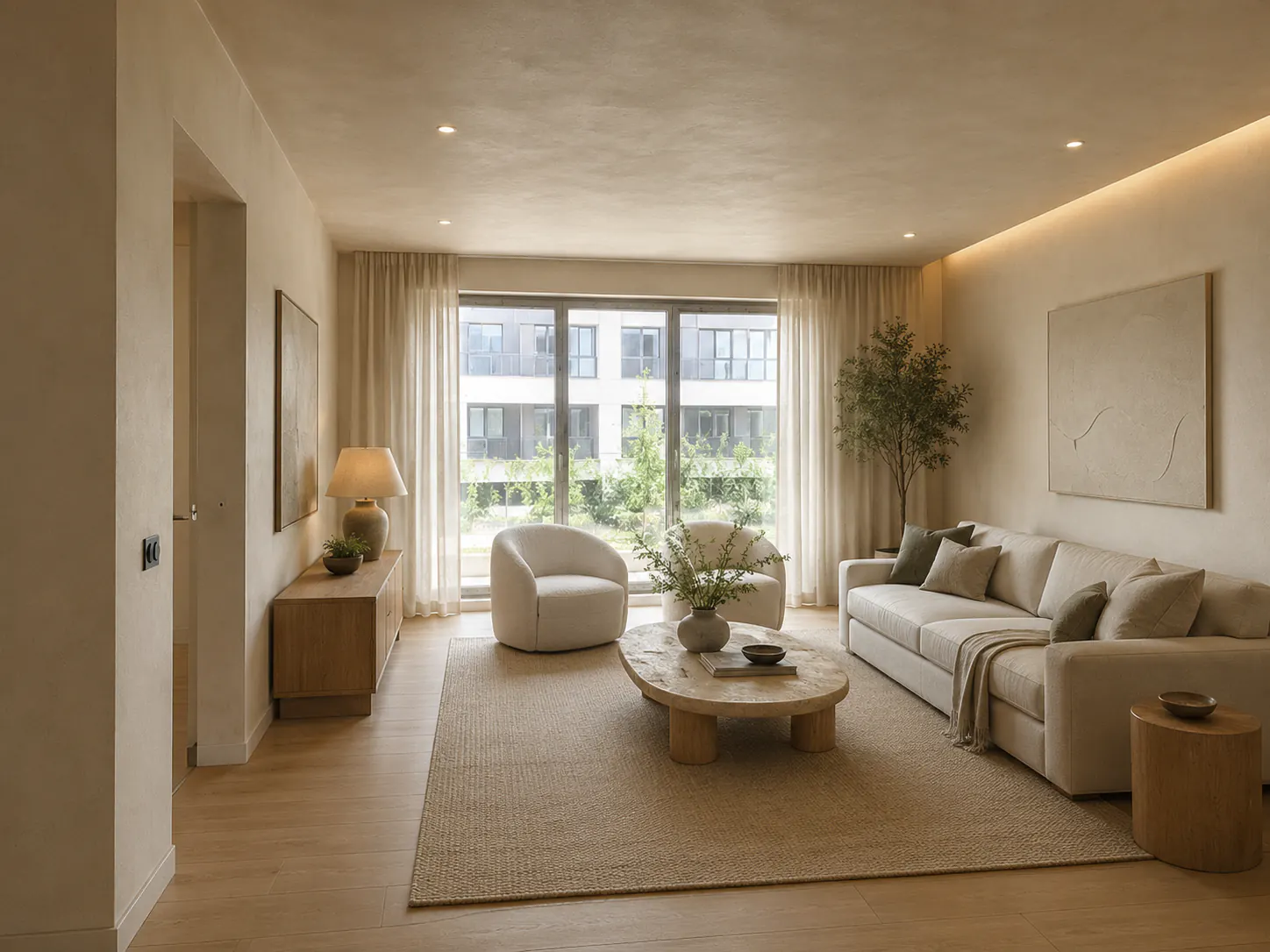
The cover is an AI-generated concept illustration, not a photograph of a completed DwellShift project.
What tasteslop means, and what it doesn't prove
Tasteslop names a criticism of polished sameness. A picture can be technically convincing and still give you very little to respond to. You recognize the look immediately, but can't say why those particular objects belong together in that particular home.
The term also appears outside room design. The organizer's listing for a talk with Emily Segal credits her with coining it and describes recycled visuals that lack individual quirks. That broader cultural argument concerns how taste gets repeated across images, products, and feeds.
Cambridge's coverage is evidence that the word is being watched. Its explanation of the new-words column makes clear that these posts are separate from the main dictionaries. A mention there doesn't establish a new dictionary entry, a search-volume ranking, or universal agreement about what counts as good design.
Nor does a beige sofa prove that a room lacks personality. If you like quiet rooms and own mostly neutral furniture, that may be exactly the right direction. Our recommendation is to judge an AI concept by the choices it helps you make for your home. An unusual-looking room can fail that test too.
The trouble with asking for a more interesting room
Consider a hypothetical brief: you want to refresh a living room while keeping a green sofa and a dark wood cabinet. A request such as "make this stylish, timeless, and unique" leaves almost every meaningful decision open. It doesn't tell the model that the cabinet stays, that you read beside the window, or that the table needs room for a board game.
Adding more style names doesn't resolve that ambiguity. "Eclectic Japandi vintage modern" offers several competing directions without identifying which parts you actually want. A louder result might be different from the first image and still miss your brief.
Write down what you would be annoyed to lose. Include furniture you own, a useful arrangement, or a color you keep returning to. Then name the problem you want help with: the curtain color feels wrong beside the sofa, the reading chair looks detached from the rest of the room, or the wall above the cabinet needs a better arrangement.
That gives you something concrete to evaluate, even if you haven't settled on a style name.
Start with the things that stay
Before opening DwellShift AI Interior Design, make a short brief beside your room photo. The example below is invented to show how specific a brief can be; replace its details with your own.
| Part of the brief | Example for this room |
|---|---|
| Furniture to retain | Green sofa, dark wood cabinet, existing reading chair |
| Room features to preserve | Window, radiator, doorway, floor, and camera viewpoint |
| Everyday use | Reading beside the window and playing board games at the coffee table |
| Changes to explore | Curtains, rug, and the arrangement above the cabinet |
| Personal preference | Keep the mix of wood finishes; avoid replacing everything with a matching set |
An object doesn't need an impressive story to earn its place. A cabinet can stay because it holds what you need and you still like it. You don't have to justify it with a design movement or an invented family history.
Use a clear photograph that includes those objects. If you're unsure how to frame it, the room-photo guide covers what to show and what to check after generation.
Here is an example prompt to adapt, not a tested promise of an exact result:
Refresh this living room while retaining the green sofa, dark wood cabinet, and reading chair in the source photo. Preserve the window, radiator, doorway, floor, and room proportions. Explore a quieter rug and curtains that work with the sofa. Keep the different wood finishes. Leave a usable coffee-table surface for board games and keep the route to the doorway clear. Keep the lighting close to the source photo so I can compare the colors.
Notice that "unique" has dropped out. The decisions are already specific. Preservation instructions guide generation, but you still need to compare the output with the original photo; they don't guarantee an exact match.
Borrow one thing from a reference
A reference image is easier to use when you can finish the sentence "I like this because..." Perhaps it's the red lamp against a green wall. Perhaps the curtains are the only thing you want from the room.
With DwellShift's AI Interior Style Transfer, you can pair your room photo with a reference image and describe the colors, materials, or mood you want to carry across. State which image shows your room and which supplies the reference. Ask for the relevant detail explicitly.
For example:
Use my room photo as the base. Borrow the muted red accent and curtain texture from the reference image. Keep my existing sofa, cabinet, artwork, and layout. Apply the red only to a small lamp or cushion. Leave the architecture and daylight close to the original.
You may discover that the red is the wrong choice. That's a useful result if it saves you from buying the lamp. Try a different accent against the same room instead of switching to a completely new reference and losing the comparison.
Some preferences won't read well in a photograph. A chair might look bulky and still be your most comfortable seat. Keep comfort, maintenance, and how you use the space in your notes; the image cannot settle those questions for you.
Compare what changed, including what went missing
Keep the source photo visible beside the generated concept. Look first for the things you asked to retain. If the cabinet has become a different piece, don't treat its apparent fit as proof that your cabinet will work there.
Then read the room as an ordinary day. Where does the bag go? Is there a reachable surface beside the reading chair? Did the picture remove the books to make the shelves look cleaner? Does the rug still work with the floor you actually have?
For a second version, change one decision you can name:
Keep the accepted arrangement and furniture. Change only the curtains to a muted rust color. Keep their length and position, and preserve the previous lighting for comparison.
The design revision workflow explains how to record an accepted version and review a focused change. If an edit also changes the sofa or moves the doorway, account for that drift before choosing a winner.
We would stop once the images answer the original question. If two curtain colors still feel equally plausible, physical swatches beside the sofa are more useful than another set of styled rooms. Check measurements and actual product details before ordering; an AI image cannot establish either.
Keep the room you recognize
You can use AI to explore a fashionable look and still keep an ordinary, personal home. The important choices may be small: retaining the cabinet, finding a rug that tolerates the existing floor, or leaving enough empty table space to use it.
For your next concept, upload one room photo to DwellShift and name something you want to keep before describing anything you want to change. When the result arrives, check that thing first.
From reading to reimagining
Explore these ideas in your own space
Find a tool for the next step in your project.