

Carry the palette
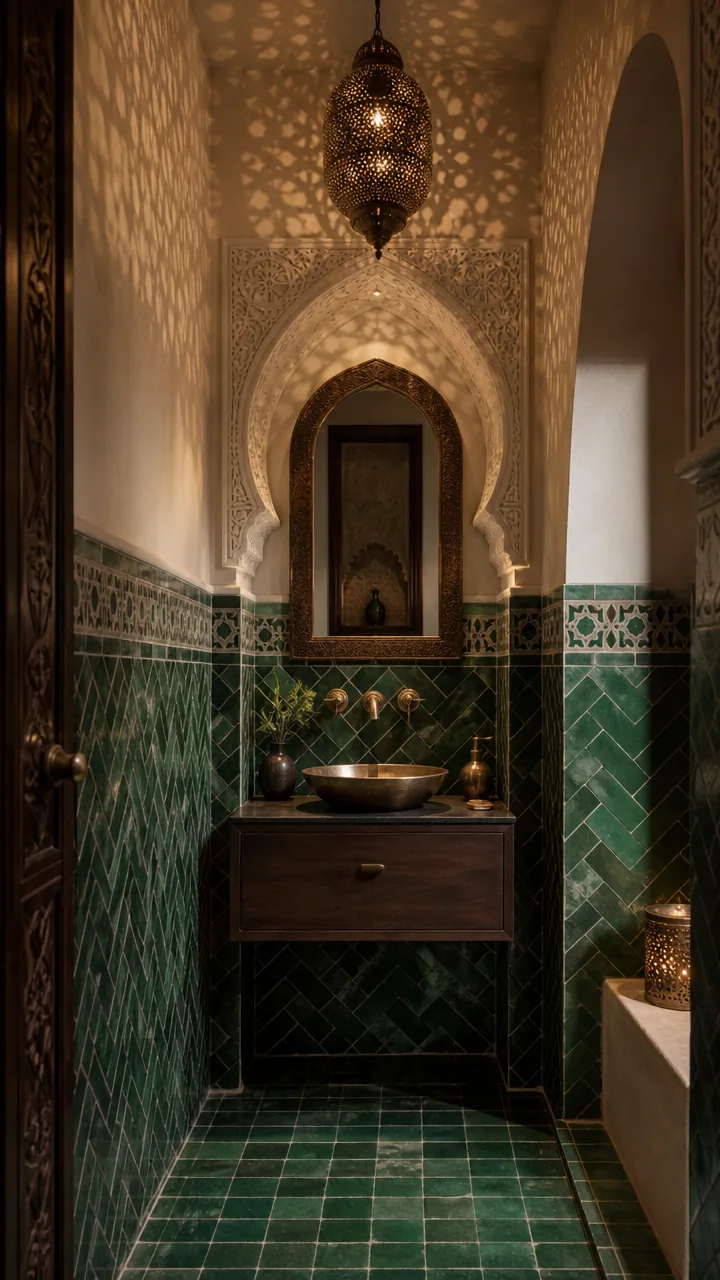
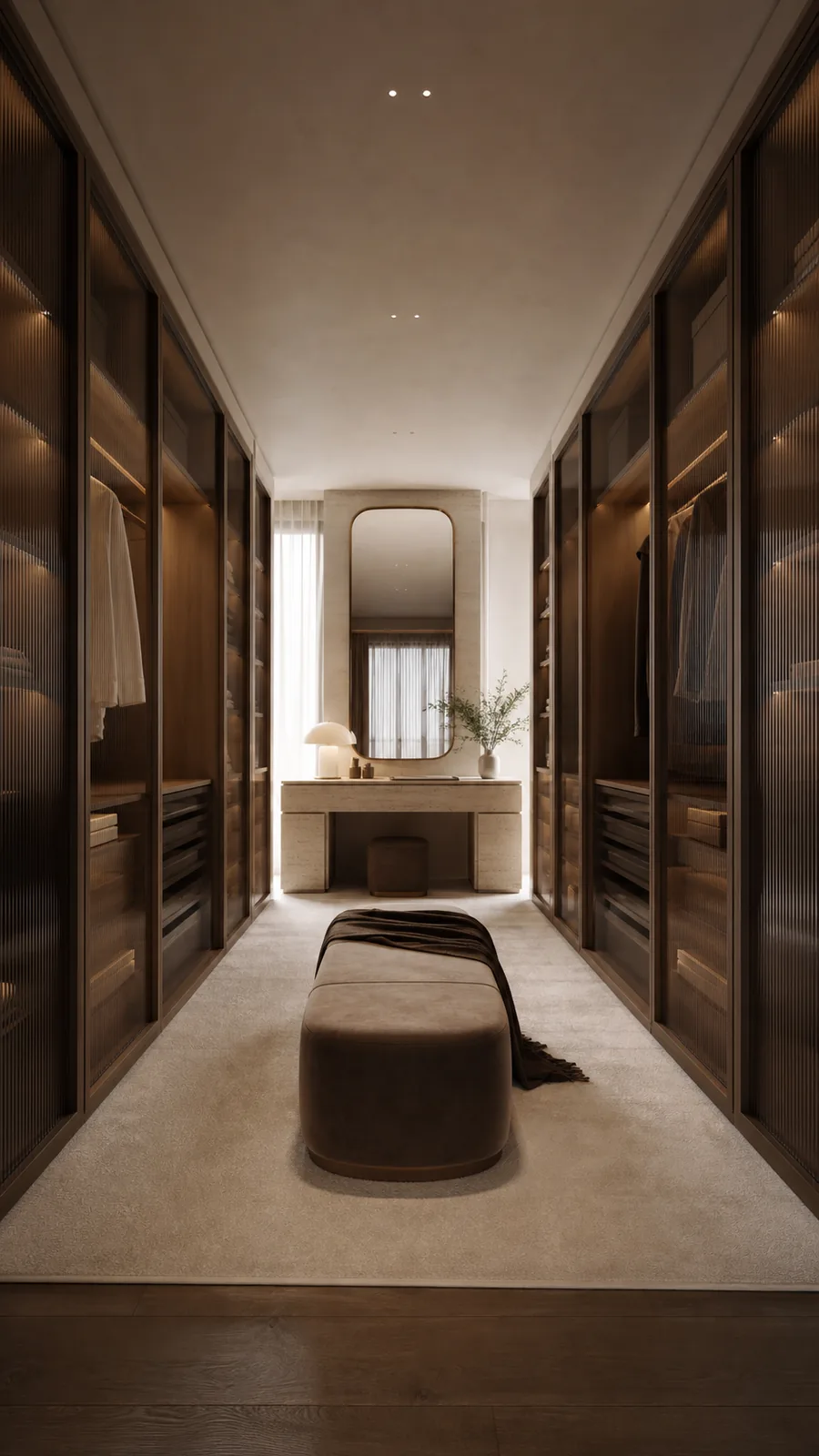
Translate the reference colors, finishes, and material relationships into the room you already have.
Style transfer for existing rooms
Use AI Interior Style Transfer to explore new materials, colors, furniture, and atmosphere without losing the character of your existing room.
Try style transfer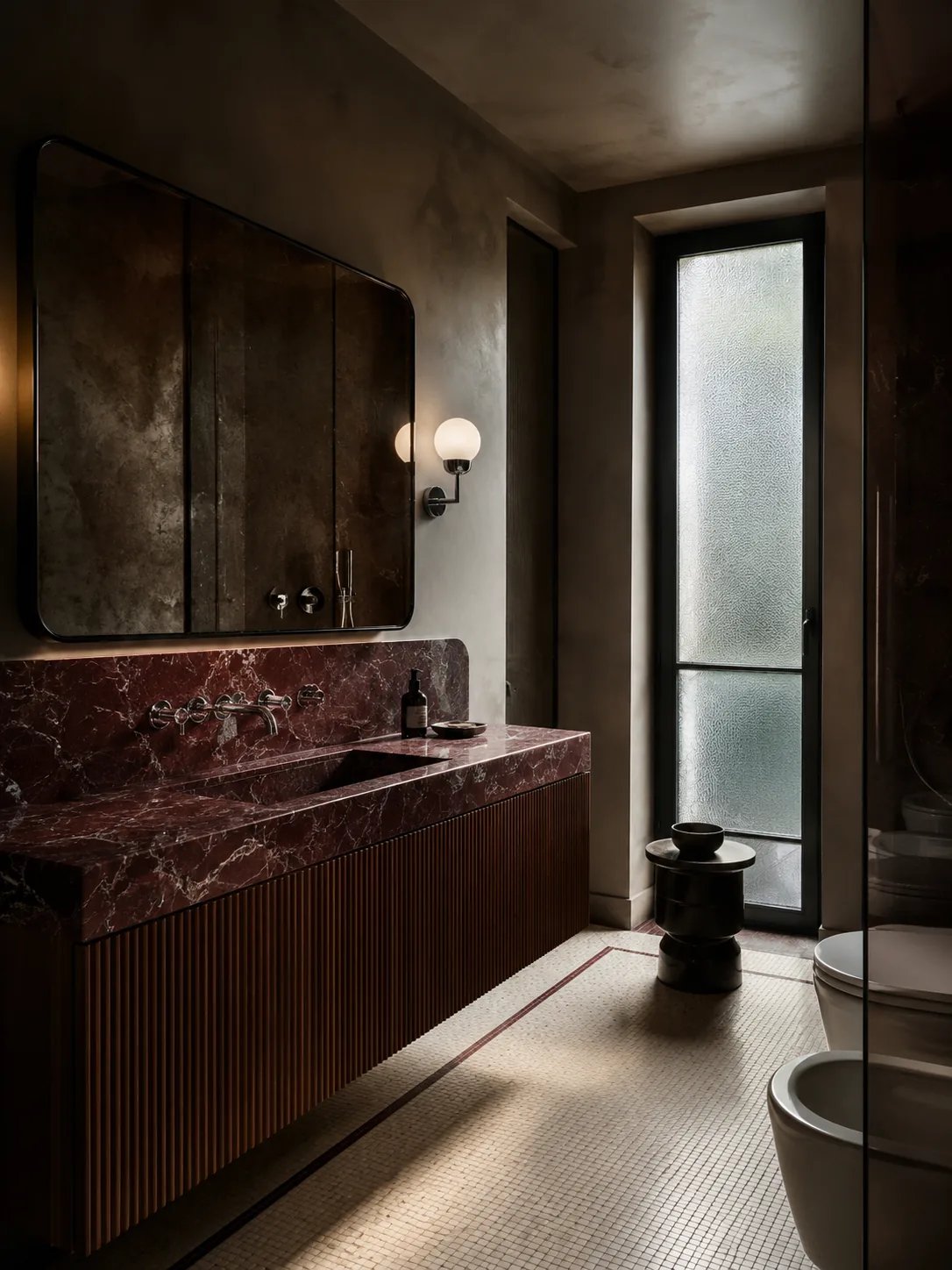
AI interior workspace
Upload your home and a style reference, then control how strongly the reference influences color, material, and atmosphere while preserving the space you recognize.
AI Interior Style transfer is most useful when you want visual consistency without losing the context of the existing room.
Translate the reference colors, finishes, and material relationships into the room you already have.
Keep the source photo as the spatial anchor while exploring a different design language.
Create a visual concept you can refine, download, or carry into a conversation with a designer.
Keep the process focused enough to compare, refine, and reuse the result in your next design decision.
Choose a clear photo with visible walls, openings, furniture, and natural perspective.
Add an inspiration image, then tune the strength, color, lighting, and layout controls.
Generate a new direction, then edit the strongest result again or download it for later.
Straight answers about reference images, preservation controls, and what happens after generation.
Use AI Interior Design when you want to choose a named style for one room photo. Use AI Interior Style Transfer when you have a second reference image and want its colors, materials, and atmosphere to guide your room.
Choose a clear original photo that shows the room structure, plus a reference image with visible materials, colors, and lighting. Each image can be JPEG, PNG, or WebP up to 10 MB.
Yes. The reference is visual direction rather than a room template. A reference with a related viewpoint and clearly visible design details is easier to interpret, but the generated result may not copy every element.
Preserve Room Layout and Preserve Original Lighting tell the AI what to prioritize, but they cannot guarantee a pixel-perfect match. Check openings, proportions, and important details before using the image for a real project.
A lower value asks the AI to keep more of the original room direction, while a higher value asks it to take more influence from the reference image. Color Intensity separately asks the AI to carry the reference palette more or less strongly.
Yes. Completed results appear in your private My Designs history. You can download a result or use Edit Image to return it to the style transfer workspace as a new source for another generation. A result over 10 MB can still be downloaded, but it cannot be loaded into Edit Image.
Add your home photo and a visual reference, then tune how strongly that direction carries into the space.
Design it